
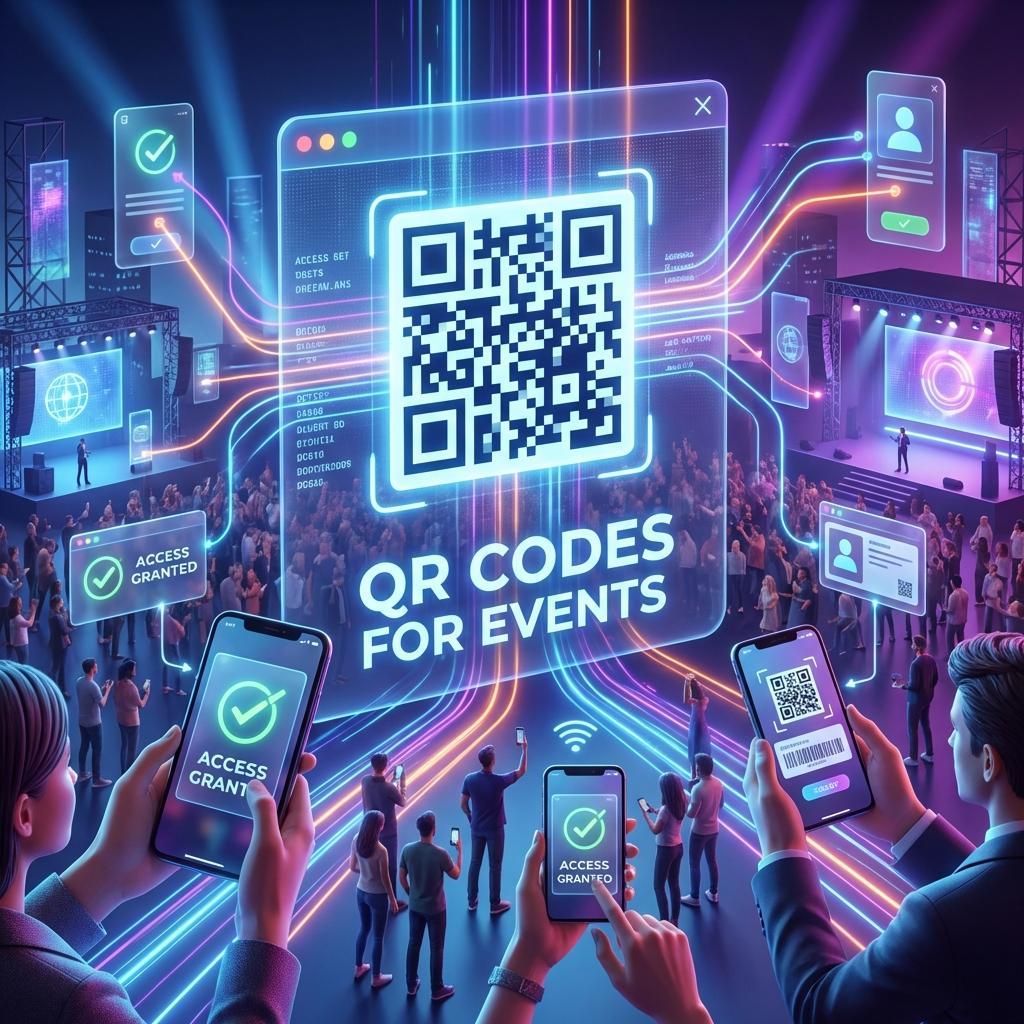
QR Codes for Events: The Complete Guide for Tickets, Check-in, and Marketing
If you want one channel that reliably connects offline attention to action, QR codes for events are it. According to Bitly's QR code event research, events are already "high intent" by nature: people are present, curious, and ready to engage. QR codes remove friction and make it easy for attendees to:
- check in
- access tickets
- view schedules and maps
- join a WhatsApp group
- follow social accounts
- claim discounts
- leave feedback
This guide shows how to use event QR codes for both operations and marketing—with tracking so you can measure what actually worked.
1) Core event QR use cases
Ticketing & access
QR codes are commonly used on tickets for:
- scanning at the entrance
- validating attendees
- preventing duplicate entry
Best practice: use a dedicated QR per ticket (unique code), ideally integrated into your ticketing system.
Check-in and registration
Instead of long lines, attendees scan a QR to check in. Case studies demonstrate QR check-ins can reduce entry time by 50% (Aviagen/vFairs). Attendees use it to:
- open the check-in form
- confirm attendance
- receive a digital badge
- get event updates
Pro tip: put the check-in QR in multiple locations (entrance + signage).
Event schedule, map, and resources
Create a QR that opens:
- agenda page
- speaker list
- venue map
- sponsor offers
- downloadable PDF
This reduces printing cost and keeps things updated.
Leads and networking
For B2B events, QR codes can drive:
- demo bookings
- brochure downloads
- lead capture forms
- "get the deck" signup
2) Marketing use cases (where ROI happens)
Posters and flyers
Use trackable QR codes to measure offline placements. If you're putting posters in 10 locations, you want to know which ones drive scans.
Internal link: Trackable QR Codes.
Sponsor activations
Sponsors love measurable engagement. Give sponsors their own QR codes for:
- giveaways
- landing pages
- newsletter signups
Now you can report performance.
Social follow + UGC
A simple QR can drive:
- Instagram follow
- "post and tag us" CTA
- photo wall landing page
3) Tracking event QR codes (don't skip this)
At minimum:
- Use one QR per placement (banner vs counter vs flyer)
- Add UTMs to the destination URL
Example:
utm_source=event&utm_medium=offline&utm_campaign=conference_2026&utm_content=entrance_banner
Internal link: UTM Parameters with QR Codes.
4) Print size and placement tips (critical for events)
Events are chaotic. Your QR codes must be scannable fast.
- Entrance signage: large (people scan from distance)
- Table tents: medium (close range)
- Badge inserts: small but high contrast
Avoid glossy reflections. Add short CTA text ("Scan for schedule").
Internal link: Print Size.
5) The "perfect" event QR setup (simple blueprint)
Use 3–5 QR codes max:
- Check-in QR (operational)
- Schedule/Map QR (utility)
- Lead capture QR (revenue)
- Social follow QR (growth)
- Feedback QR (improvement)
Each QR has a clear label and CTA.
6) Common mistakes
- Too many QR codes in one spot
- No CTA ("Scan for what?")
- Sending people to a slow PDF on mobile
- No tracking → no learning
- Using static QR for schedules that change