Why Leading Restaurants Businesses Use QR Master
Dynamic Updates
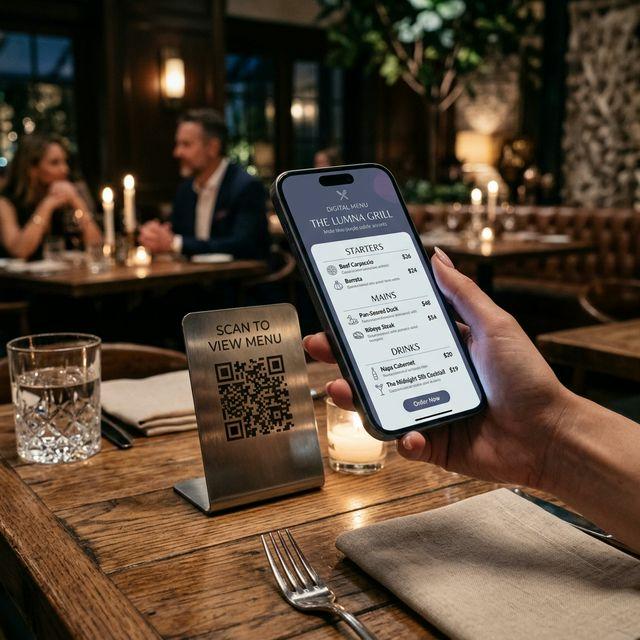
Change prices, 86 items, or introduce seasonal specials instantly without ever reprinting your menus.
Contactless Experience
Offer a hygienic, modern dining experience that customers appreciate and expect.
Upselling Opportunities
High-quality photos in a digital menu entice customers to order appetizers and desserts more often.
Workflow 1
Digital menu access for contactless viewing and ordering
Workflow 2
Table-side ordering and online payment processing
Workflow 3
Customer feedback collection and verified reviews
Quick Summary
QR Codes for Restaurants: Update Your Menu Without Reprinting
Quick Summary
QR Codes for Restaurants: Update Your Menu Without Reprinting
When to use this?
- Digital menu access for contactless viewing and ordering
- Table-side ordering and online payment processing
- Customer feedback collection and verified reviews
Comparison
How it works
- 1Print on table tents or apply as stickers directly on tables
- 2Add to receipts to encourage feedback and loyalty sign-ups
- 3Display on walls near entrances for takeaway orders
Restaurants QR Code Checklist
Recommended Tools
Create a scannable link to any webpage and update the destination any time.
Print once, let guests scan to connect, and remove the friction of sharing passwords.
Use a URL QR code to open a hosted PDF like a menu, brochure, or operating guide.