QR Codes for Review Collection
Review collection QR codes work when the ask appears at the exact moment a customer is ready to respond, and when each placement can be measured later.
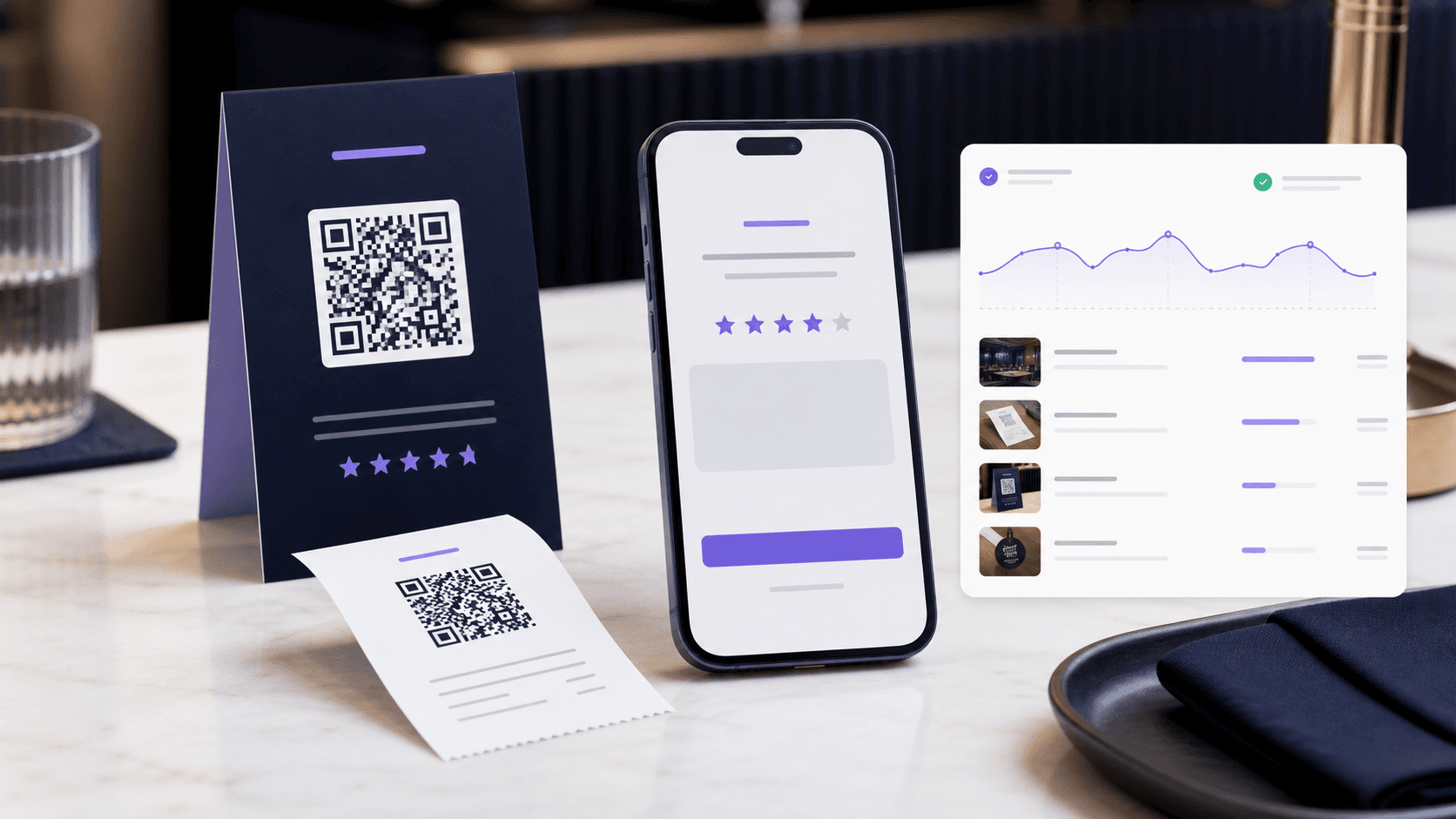
Put the QR code where the customer has just finished the experience: the receipt, checkout counter, table card, package insert, or service handoff.
Send happy customers to the intended review destination while keeping the option to change that route if the platform, campaign, or policy changes.
Compare which printed surfaces actually earn scans so the next batch of cards, receipts, and inserts is based on evidence.
Quick Summary
A review collection QR code sends satisfied customers to the right review or feedback flow while helping your team compare which physical prompts get scanned.
When to use this?
- You ask for reviews on receipts, table cards, packaging inserts, checkout counters, or post-service handouts.
- You want a cleaner path from a positive real-world moment into a Google review, private form, or follow-up route.
- You need to compare review-request placements instead of treating every printed prompt as one blended source.
Comparison
How it works
- 1Choose the exact review action for the context: Google review, private feedback, support follow-up, or a routed choice page.
- 2Create a trackable QR code for each major placement so table cards, receipts, counters, and packaging do not blend together.
- 3Review scan and response patterns before reprinting or expanding the review request to more locations.
Review prompts that can be improved after launch
The best review request is not louder. It is placed better, routed better, and measured well enough to improve the next print run.
Moment-matched prompts
Put the QR code where the customer has just finished the experience: the receipt, checkout counter, table card, package insert, or service handoff.
Controlled review routing
Send happy customers to the intended review destination while keeping the option to change that route if the platform, campaign, or policy changes.
Placement-level reporting
Compare which printed surfaces actually earn scans so the next batch of cards, receipts, and inserts is based on evidence.
Review collection QR checklist
- Use one clear CTA on the printed asset, such as 'Scan to leave a review'.
- Create separate QR codes for major placements or locations when comparison matters.
- Keep the post-scan page mobile-first and focused on one review action.
- Use dynamic routing when the review destination may change after materials are printed.
- Review scan activity before ordering more cards, stickers, inserts, or receipt templates.