1. Configure
Enter your data and select the format.
A free custom barcode generator and barcode maker for EAN-13, UPC-A, UPC barcodes, and Code 128. Convert any number or text into a scannable barcode, download PNG or SVG, print instantly, no signup required.
Format Guide:
High-density alphanumeric format. Best for general purpose use.
High-density alphanumeric format. Best for general purpose use.
A custom barcode generator is an online tool that converts a number or text string into a scannable barcode image (EAN-13, UPC-A, or Code 128). The generated barcode can be downloaded as PNG or SVG and printed on product labels, packaging, or inventory stickers for use with any standard barcode scanner.
✓ Use a barcode for:
✓ Use a QR code for:
Enter your data and select the format.
Adjust height, width and text display.
See your barcode update in real-time.
Save as professional PNG or SVG.
Print labels directly from your browser.
Custom barcode generator
Use the barcode maker when you already have a product number, SKU, inventory ID, or internal reference and need a printable barcode image. Choose the format, adjust the dimensions, show or hide the text value, then export a clean PNG or SVG for labels.
Generate EAN-13 or UPC-A barcode images for packaging and shelf labels when you already have valid GS1-issued numbers.
Use Code 128 for alphanumeric SKUs, warehouse bins, assets, and internal tracking labels that need scanner-friendly codes.
Download SVG for crisp print layouts or PNG for fast use in docs, product sheets, and simple label workflows.
Need a code for a web page instead of a retail scanner? Use the dynamic QR code generator if the destination may change later, or the QR code tracking workflow when you need scan analytics.
By Timo Knuth, QR Master · Last updated: May 2026 · GS1-verified content
Barcodes are an essential part of modern commerce, logistics, and inventory management. A Barcode Generator allows businesses and individuals to create scannable barcodes quickly and efficiently for products, packaging, and internal systems. Whether you run an online shop, manage a warehouse, or sell products locally, understanding how barcodes work can save time and reduce errors.
In this article, you will learn what barcodes are, how they work, and how a Barcode Generator helps you create professional barcodes in seconds.
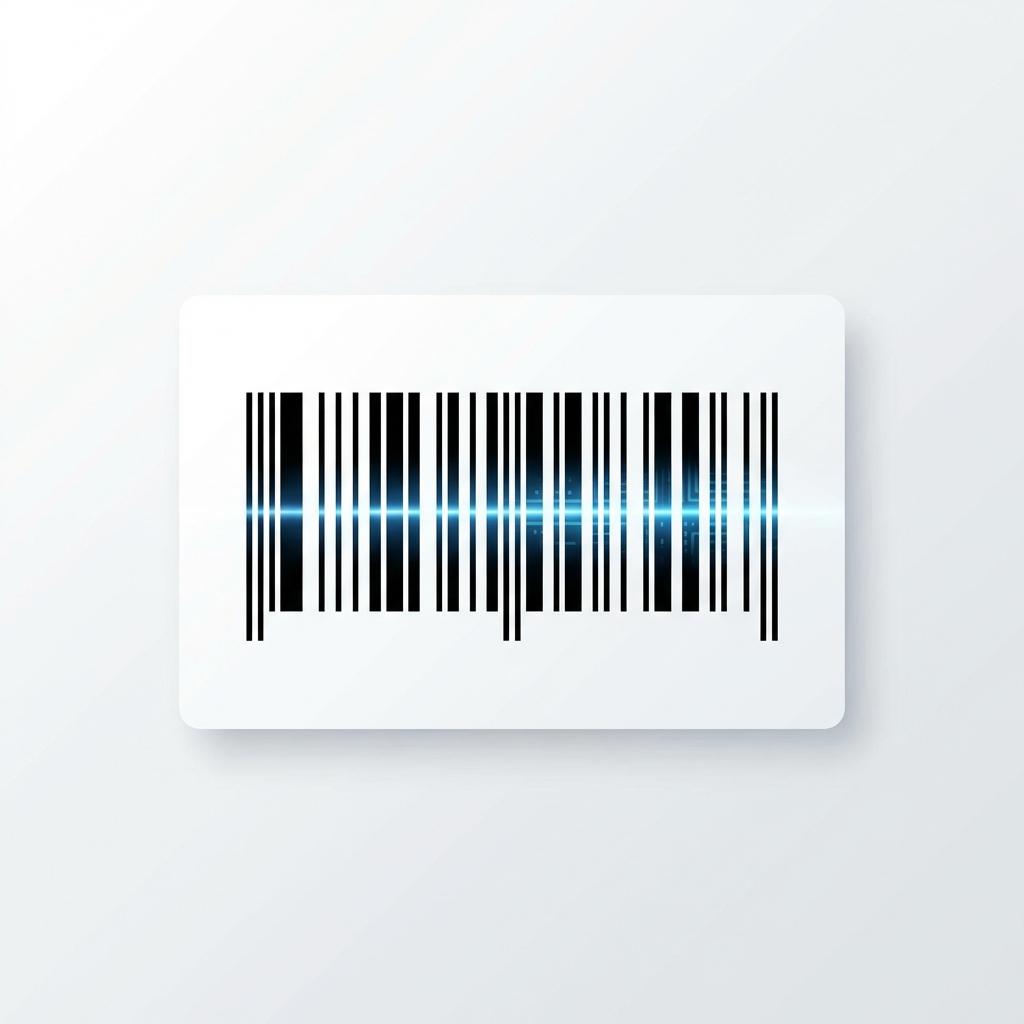
A barcode is a visual representation of data that can be read by machines. It consists of vertical lines with different widths and spacing, which encode numbers or characters. When scanned with a barcode scanner or smartphone, the information is instantly translated into readable data.
Barcodes are commonly used to identify products, track inventory, manage logistics, and speed up checkout processes. They reduce manual input and significantly lower the risk of human error.
A Barcode Generator converts text or numeric input into a barcode format that scanners can read. The process is simple:
You enter a number or text (for example, a product ID).
You select a barcode format such as EAN-13 or Code 128.
The generator creates a scannable barcode image instantly.
You download or print the barcode for use.
A modern Barcode Generator works directly in the browser and does not require additional software.
Different barcode formats are used for different purposes. Choosing the right one is important for compatibility and scanning accuracy.
| Format | Use Case | Digits / Chars | Region |
|---|---|---|---|
| EAN-13 | Retail products, supermarkets | 13 numeric | Europe / Global |
| UPC-A | Retail products (North America) | 12 numeric | USA / Canada |
| Code 128 | Shipping, logistics, inventory | Variable alphanumeric | Universal |
| Code 39 | Industrial, automotive, defense | Variable alphanumeric | Industrial |
| MSI | Shelf / bin labeling, warehouse | Variable numeric | Retail / Warehouse |
| Pharmacode | Pharmaceutical packaging | 3–131071 numeric | Pharma |
Answer two quick questions to find the right format for your use case.
What will you use the barcode for?
Using a Barcode Generator offers several advantages:
Create barcodes instantly without technical knowledge.
Reduce manual data entry errors.
Generate barcodes for different formats and use cases.
No need for expensive software or hardware.
For small businesses, online shops, and startups, a free Barcode Generator is often the easiest way to get started.
Barcodes are not just convenient — they are scientifically proven to reduce errors across industries. Independent research from logistics, healthcare, and economics consistently shows the same result: switching from manual data entry to barcode scanning produces dramatic accuracy gains.
99%+ Inventory Accuracy vs. 92% Manual
Studies on warehouse management systems consistently find that manual inventory processes achieve around 92% accuracy. Implementing barcode scanning raises that figure to over 99%, reducing mismatches, write-offs, and fulfillment errors in a single step.
Sources: GS1 Barcode Standards; research cited in the International Journal of Supply Chain Management; Auburn University RFID/Barcode Lab inventory accuracy benchmarks.
50% Reduction in Critical Data-Entry Errors (Healthcare)
In mission-critical environments where precision is non-negotiable, the case for barcoding is even stronger. Clinical research demonstrates that Barcode Medication Administration (BCMA) systems cut administration data errors by up to 50%. If barcodes are reliable enough for hospitals, they are reliable enough for your inventory.
Sources: New England Journal of Medicine — "Effect of Bar-Code Technology on the Safety of Medication Administration"; AHRQ — Barcode Medication Administration (BCMA) research.
Significant Productivity Gains at Checkout (Retail Economics)
The productivity impact of barcodes extends beyond accuracy. Economic research from the National Bureau of Economic Research (NBER) documents dramatic throughput gains for retailers when switching from manual key-entry to barcode scanners — an effect that transformed checkout speed and operational cost structures across the industry.
Source: NBER Working Paper — "Raising the Barcode Scanner: Technology and Productivity in the Retail Sector".
Although barcodes and QR codes are often confused, they serve different purposes. A barcode stores data horizontally and is mainly used for product identification. A QR code stores data both horizontally and vertically and can contain more complex information such as URLs or contact details.
If you only need to identify products or inventory items, a classic barcode is usually the better choice.
The barcode image itself can be generated for free using a Barcode Generator. However, for retail products sold internationally, the barcode number may need to be officially registered through organizations such as GS1. This ensures that the barcode is unique and recognized globally.
For internal use, testing, or small projects, free barcode generation is usually sufficient.
Barcodes are used in many industries, including:
A reliable Barcode Generator helps streamline these processes and improves efficiency. For tracking QR codes alongside your barcodes, see our QR code tracking guide.
If you sell on Amazon, you will encounter two types of barcodes: GTINs (Global Trade Item Numbers, such as EAN-13 or UPC-A) required by Amazon to list products, and FNSKU barcodes that Amazon assigns to your specific seller account for FBA fulfillment.
Our barcode generator can create the image of an EAN-13 or UPC-A barcode if you already have a valid number. However, it cannot issue official GS1-registered numbers. To sell on Amazon with retail barcodes, you need to obtain a legitimate EAN or UPC number from GS1 (the official barcode standards organization). Purchasing unofficial or recycled barcodes from third-party resellers often leads to listing suppression on Amazon.
Most barcodes (like EAN and UPC) include a "Check Digit"—the last number in the sequence. This digit is calculated mathematically from the other numbers to ensure the barcode is scanned correctly. Even if a barcode is slightly damaged or scratched, the scanner uses the check digit to verify the integrity of the data.
To ensure your barcodes scan instantly at the checkout or in the warehouse, follow these printing tips:
A Barcode Generator is a simple yet powerful tool that helps businesses save time, reduce errors, and improve operational efficiency. By choosing the right barcode format and using a reliable generator, you can create professional barcodes that work across different systems and industries.