Why Leading Barbershops Businesses Use QR Master
Live Wait Time Visibility
Link a QR on your shop window to a live wait time or booking page. Clients decide to walk in or book a slot before they commit to waiting.
Barber Portfolio
Each barber can have their own QR card showing their personal Instagram or portfolio of cuts - helping clients choose their preferred stylist.
Google Review Shortcut
Print a QR code on a small card handed at checkout. Satisfied clients tap once to land on your Google review page - no searching required.
Repeat Booking at Checkout
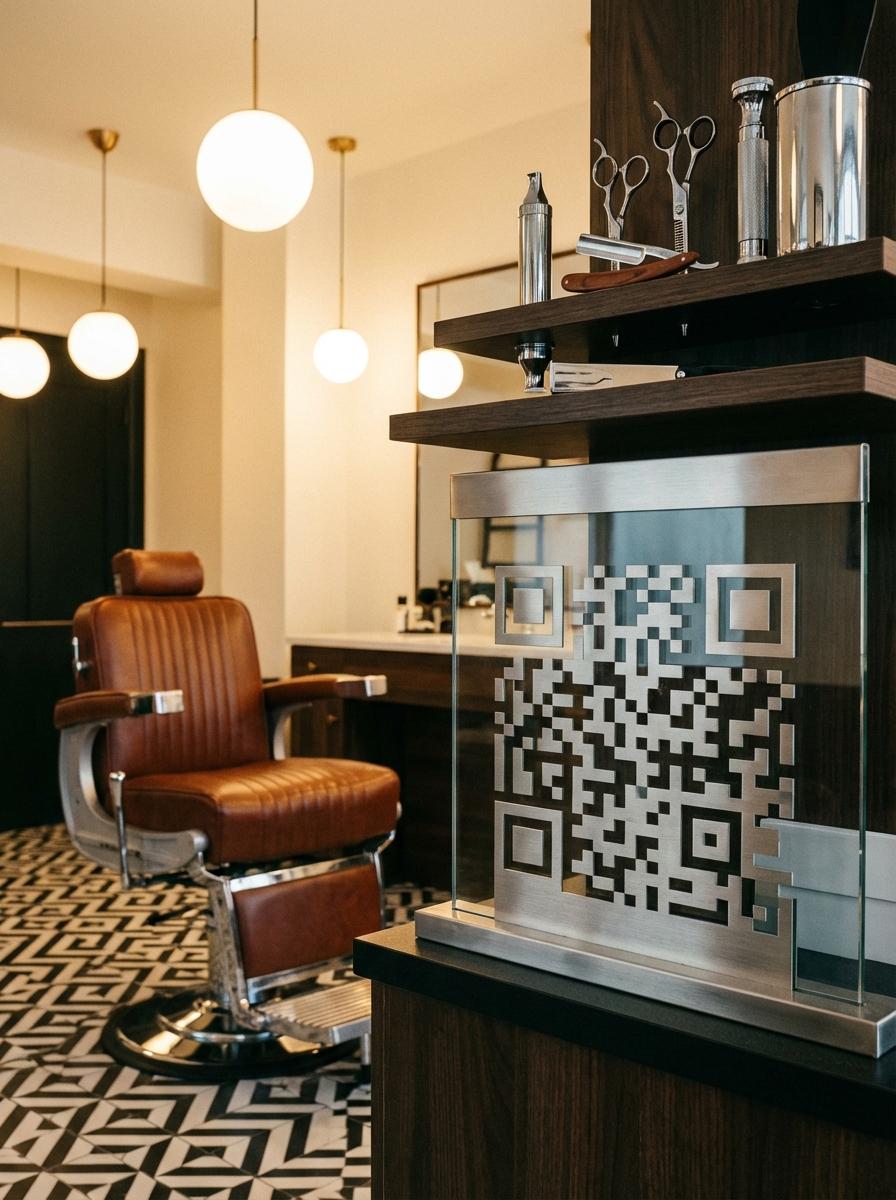
A QR on the payment counter links directly to your booking calendar. Clients rebook their next cut while still in the chair — the single most effective way to reduce gaps between visits.
Workflow 1
Online booking link from window QR
Workflow 2
Individual barber portfolio pages
Workflow 3
Live wait time display linked from door sticker
Quick Summary
QR Codes for Barbershops: Check the Wait, Book a Cut, Leave a Review
Quick Summary
QR Codes for Barbershops: Check the Wait, Book a Cut, Leave a Review
When to use this?
- Online booking link from window QR
- Individual barber portfolio pages
- Live wait time display linked from door sticker
Comparison
How it works
- 1Window sticker for wait time and booking link
- 2Individual barber cards with portfolio QR at each station
- 3Small checkout card with Google review QR
Barbershops QR Code Checklist
Recommended Tools
Create a scannable link to any webpage and update the destination any time.
Send visitors directly to your Instagram profile, gallery, or creator page.
Open the dialer with your number pre-filled for instant contact.