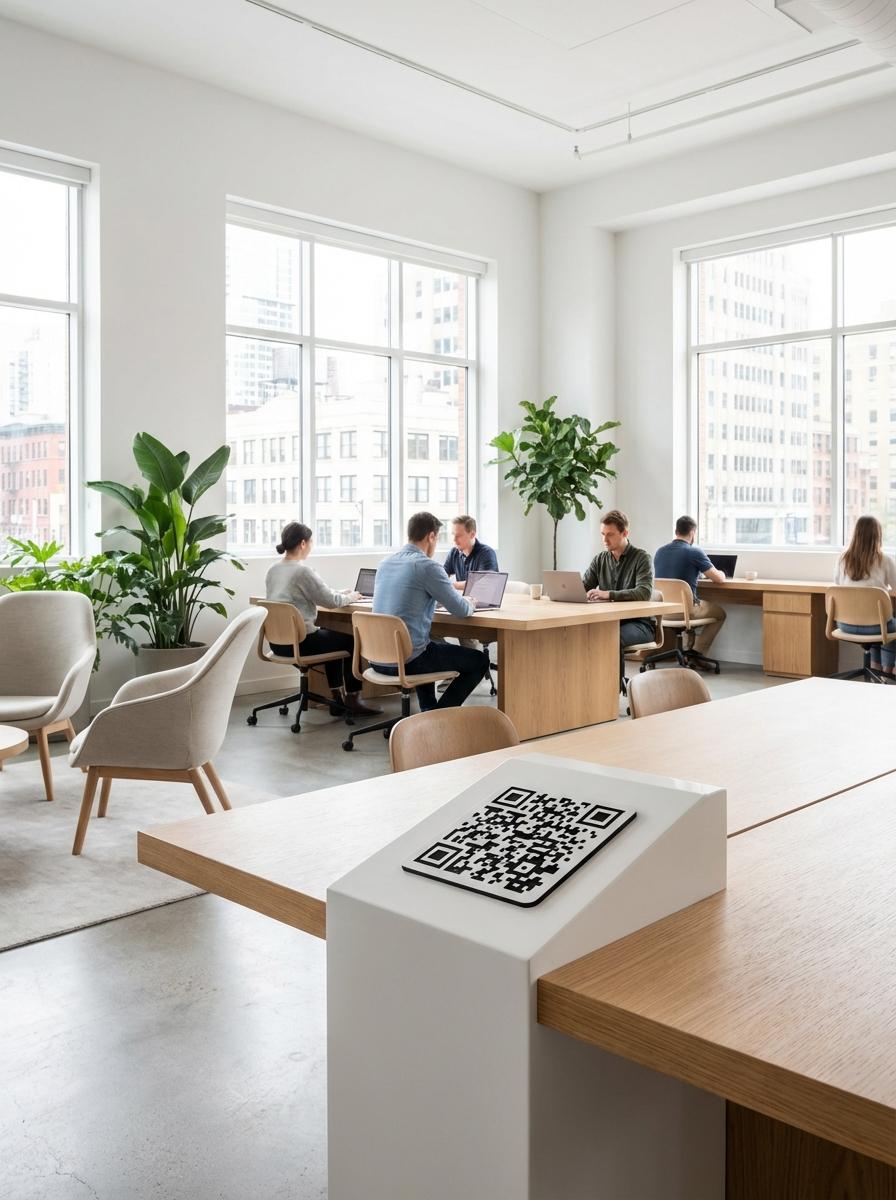
Why Leading Coworking Spaces Businesses Use QR Master
Instant Guest WiFi
A QR code at the entrance and on each desk links to your guest WiFi network - new visitors connect in seconds without hunting for a password card.
Hot Desk and Room Booking
A QR at the entrance or on meeting room doors links to the booking system. Members reserve desks and rooms from their phone without logging into a separate app.
Community Discovery
A QR on the notice board or welcome card links to the community events calendar, member directory, and space benefits - helping new members find their footing quickly.
Workflow 1
Guest WiFi access from entrance and desk QR
Workflow 2
Hot desk and meeting room booking portal
Workflow 3
Community events calendar and member benefits
Quick Summary
QR Codes for Coworking Spaces: WiFi Access and Desk Booking at the Door
Quick Summary
QR Codes for Coworking Spaces: WiFi Access and Desk Booking at the Door
When to use this?
- Guest WiFi access from entrance and desk QR
- Hot desk and meeting room booking portal
- Community events calendar and member benefits
Comparison
How it works
- 1Entrance door or reception with WiFi and hot desk booking QR
- 2Each desk with personal WiFi QR and room booking link
- 3Meeting room door with booking and availability QR
Coworking Spaces QR Code Checklist
Recommended Tools
Create a scannable link to any webpage and update the destination any time.
Print once, let guests scan to connect, and remove the friction of sharing passwords.
Let visitors save event details directly to their phone calendar.