Why Leading Dental Practices Businesses Use QR Master
Waiting Room Productivity
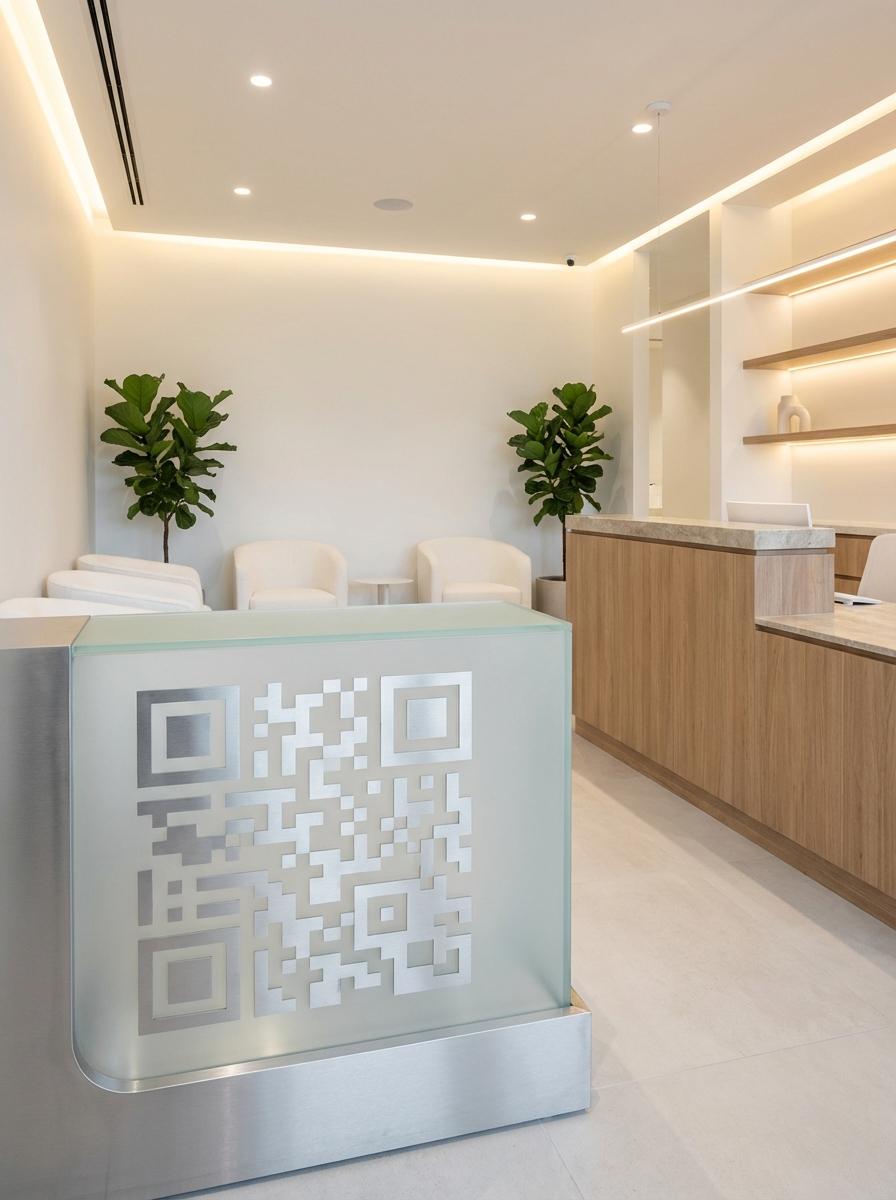
A QR in the waiting room links patients to digital intake forms, practice information, and appointment booking - turning wait time into useful activity.
Post-Treatment Care Instructions
Hand patients a small card after any procedure with a QR linking to detailed aftercare instructions specific to their treatment - reducing follow-up calls.
Review Collection at Checkout
A QR on the checkout card links directly to your Google Business profile. Satisfied patients leave reviews immediately while the experience is fresh.
Workflow 1
Digital patient intake forms in the waiting room
Workflow 2
Appointment booking from waiting room and practice window
Workflow 3
Post-procedure aftercare instruction pages
Quick Summary
QR Codes for Dental Practices: Appointments and Aftercare Without the Paperwork
Quick Summary
QR Codes for Dental Practices: Appointments and Aftercare Without the Paperwork
When to use this?
- Digital patient intake forms in the waiting room
- Appointment booking from waiting room and practice window
- Post-procedure aftercare instruction pages
Comparison
How it works
- 1Waiting room table card for digital intake form and WiFi
- 2Small card given after treatment with aftercare QR
- 3Checkout counter display for Google review request
Dental Practices QR Code Checklist
Recommended Tools
Create a scannable link to any webpage and update the destination any time.
Print once, let guests scan to connect, and remove the friction of sharing passwords.
Use a URL QR code to open a hosted PDF like a menu, brochure, or operating guide.