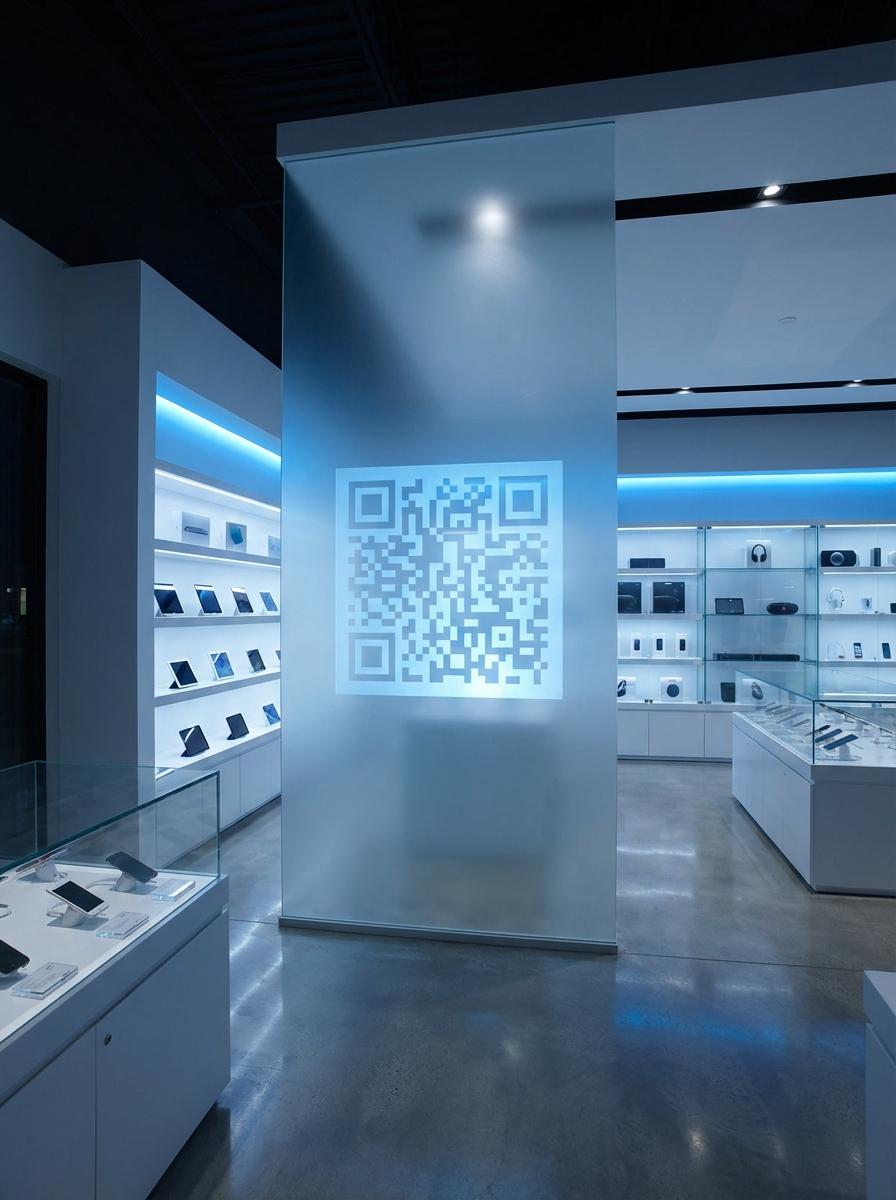
Why Leading Electronics Stores Businesses Use QR Master
Product Demo Videos
A QR on the shelf tag links to the official product demo or unboxing video. Customers watch a real-world demonstration before committing to buy.
Compatibility Checker
Electronics often require matching accessories. A shelf QR linking to a compatibility guide reduces 'will this work with my device?' questions.
Instant Manual Access
Link to the full user manual from the box or shelf tag. Customers verify features before purchase - and call for help less often after.
Workflow 1
Demo video and feature walkthrough from shelf tag
Workflow 2
Full user manual and setup guide
Workflow 3
Compatibility guide for accessories
Quick Summary
QR Codes for Electronics Stores: Demo Videos and Full Specs
Quick Summary
QR Codes for Electronics Stores: Demo Videos and Full Specs
When to use this?
- Demo video and feature walkthrough from shelf tag
- Full user manual and setup guide
- Compatibility guide for accessories
Comparison
How it works
- 1Shelf edge label adjacent to the price tag for each product
- 2Box insert inside product packaging for manual and warranty QR
- 3Demo unit stand card for full feature walkthrough video
Electronics Stores QR Code Checklist
Recommended Tools
Create a scannable link to any webpage and update the destination any time.
Use a video-focused QR workflow for demos, walkthroughs, and visual proof.
Use a URL QR code to open a hosted PDF like a menu, brochure, or operating guide.