Why Leading Food Trucks Businesses Use QR Master
Real-Time Location Updates
Point your QR code to a Google Maps link or location page that you update each morning. Hungry customers always know where to find you.
Daily Menu Without Chalkboard Limits
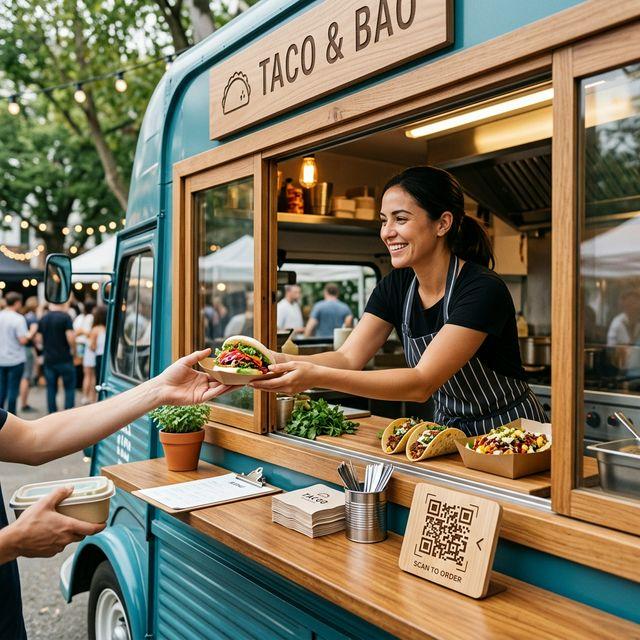
Replace the chalkboard with a digital menu page. Add photos, pricing, and allergen info that customers can read from a distance or at the window.
Social Following Made Easy
Most food truck fans follow on Instagram for location updates. Add your Instagram QR code to the serving window so waiting customers follow on the spot.
Workflow 1
Daily menu with photos and today's specials
Workflow 2
Current location link updated each morning
Workflow 3
Instagram follow code on the ordering window
Quick Summary
QR Codes for Food Trucks: Today's Menu and Today's Location
Quick Summary
QR Codes for Food Trucks: Today's Menu and Today's Location
When to use this?
- Daily menu with photos and today's specials
- Current location link updated each morning
- Instagram follow code on the ordering window
Comparison
How it works
- 1Sticker on the ordering window frame where customers wait
- 2Printed on the side of paper cups or napkin holders
- 3Vinyl decal on the serving counter facing the queue
Food Trucks QR Code Checklist
Recommended Tools
Create a scannable link to any webpage and update the destination any time.
Send visitors directly to your Instagram profile, gallery, or creator page.
Open Google Maps navigation to your store, venue, or office address.