Why Leading Hardware & DIY Stores Businesses Use QR Master
Project How-To Videos
A QR on the shelf label links to the relevant tutorial video for that category - tiling, plumbing, or electrical - helping DIYers buy the full list of what they need.
Product Compatibility Guide
Paint, sealants, and fittings often require specific primers or connectors. A shelf QR links to the compatibility chart so customers buy the right combination.
Tool Rental Booking
Link a QR near the tool rental display to the booking form. Customers who know they need a specific tool for the weekend book it on the spot.
Workflow 1
Shelf QR linking to project tutorial videos
Workflow 2
Product compatibility and specification guide
Workflow 3
Tool rental booking from in-store display
Quick Summary
QR Codes for Hardware Stores: How-To Videos at Every Shelf
Quick Summary
QR Codes for Hardware Stores: How-To Videos at Every Shelf
When to use this?
- Shelf QR linking to project tutorial videos
- Product compatibility and specification guide
- Tool rental booking from in-store display
Comparison
How it works
- 1Shelf edge label in each product category aisle
- 2Display card at tool rental counter with booking QR
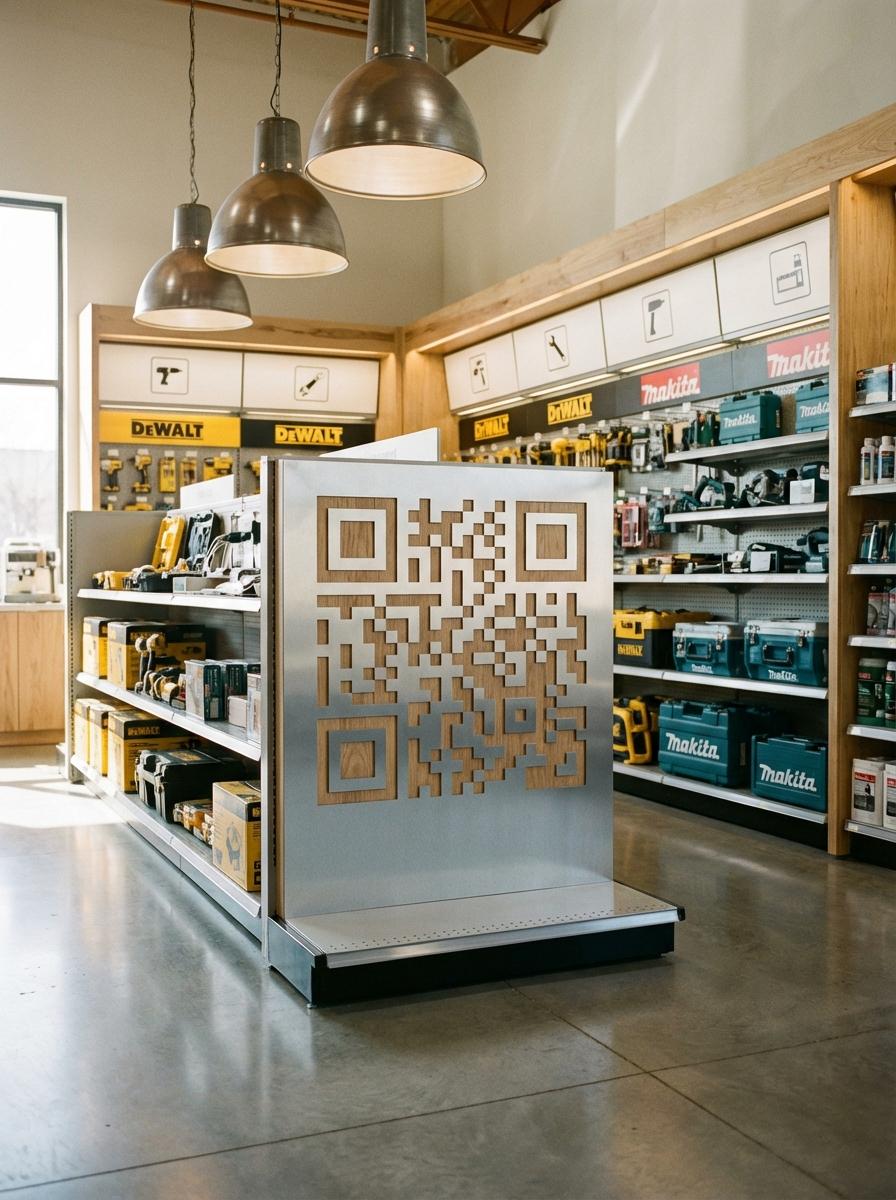
- 3End-cap display linking to project starter kits and guides
Hardware & DIY Stores QR Code Checklist
Recommended Tools
Create a scannable link to any webpage and update the destination any time.
Use a video-focused QR workflow for demos, walkthroughs, and visual proof.
Use a URL QR code to open a hosted PDF like a menu, brochure, or operating guide.