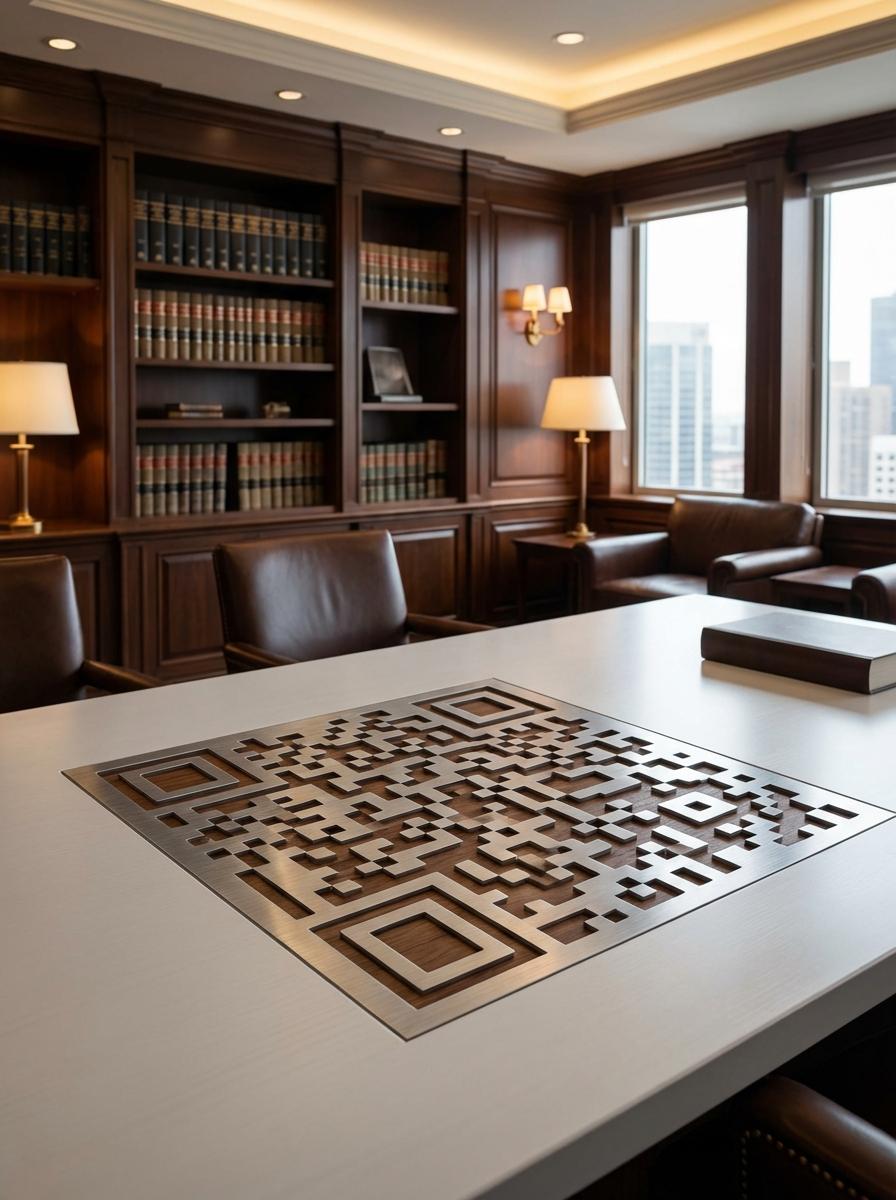
Why Leading Law Firms Businesses Use QR Master
Attorney vCard on Business Cards
A vCard QR on every attorney's business card lets prospective clients save contact details, practice specialties, and phone number in one tap - no typing required.
Practice Area Information
Link a QR on the firm letterhead or brochure to the relevant practice area page. Clients referred by word-of-mouth can immediately review your expertise.
Consultation Booking
A QR on correspondence, business cards, and waiting room materials links directly to the online consultation scheduling page - reducing receptionist load.
Workflow 1
Attorney vCard QR on business cards for contact saving
Workflow 2
Practice area overview linked from letterhead
Workflow 3
Consultation booking form from waiting room display
Quick Summary
QR Codes for Law Firms: Attorney Profiles and Consultation Booking
Quick Summary
QR Codes for Law Firms: Attorney Profiles and Consultation Booking
When to use this?
- Attorney vCard QR on business cards for contact saving
- Practice area overview linked from letterhead
- Consultation booking form from waiting room display
Comparison
How it works
- 1Reverse of attorney business card with vCard QR
- 2Firm letterhead footer with client portal or practice area QR
- 3Waiting room display card with consultation booking link
Law Firms QR Code Checklist
Recommended Tools
Create a scannable link to any webpage and update the destination any time.
Share contact details with a single scan so prospects can save your team instantly.
Open a pre-addressed email draft so customers can contact you faster.