Why Leading Public Libraries Businesses Use QR Master
Catalog Search at the Shelf
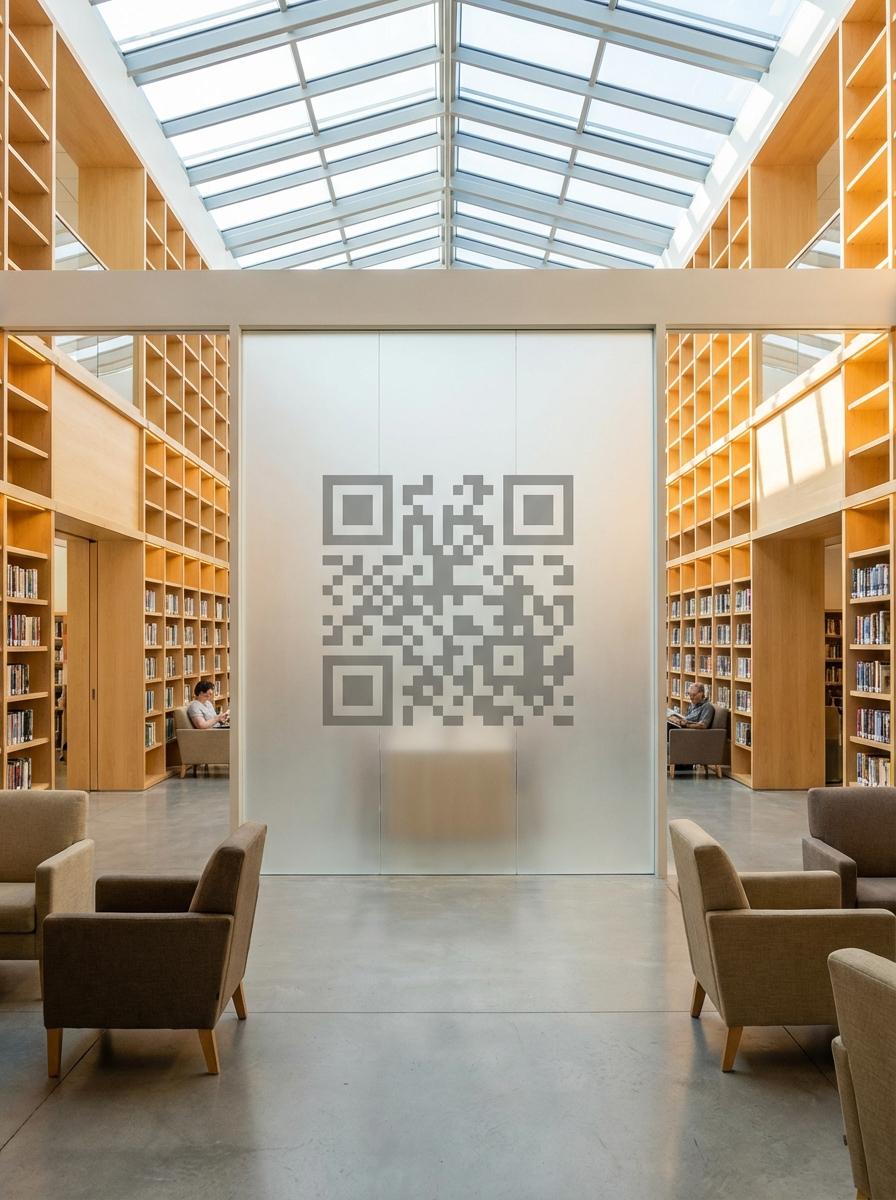
A QR code at each section entrance links directly to the catalog search filtered by that genre - visitors find what they're looking for without staff help.
eBook and Digital Resources
Many library members don't know they have free eBook, audiobook, and magazine access. A QR at the entrance explains and links to the activation page.
Events and Reading Groups
A QR on the notice board links to the full events calendar and reading group schedule - allowing visitors to register from the library floor.
Workflow 1
Section catalog search QR at each genre area
Workflow 2
eBook and digital resource activation for members
Workflow 3
Events calendar and reading group registration
Quick Summary
QR Codes for Libraries: Find Any Book Without Asking
Quick Summary
QR Codes for Libraries: Find Any Book Without Asking
When to use this?
- Section catalog search QR at each genre area
- eBook and digital resource activation for members
- Events calendar and reading group registration
Comparison
How it works
- 1Shelf end-cap at each genre section linking to catalog search
- 2Reception desk display for eBook and digital resource activation
- 3Main notice board near entrance with events calendar QR
Public Libraries QR Code Checklist
Recommended Tools
Create a scannable link to any webpage and update the destination any time.
Print once, let guests scan to connect, and remove the friction of sharing passwords.
Let visitors save event details directly to their phone calendar.