One of the most common questions we get is: "Should I use a static or dynamic QR code?" If you are using the QR code for marketing, business, or any long-term use, choose Dynamic. According to industry research on QR code performance, dynamic QR codes enable better campaign optimization, cost control, and real-time analytics—key advantages for business applications.
Dynamic vs Static QR Codes: What's the Difference?
A plain-language explainer of how static and dynamic QR codes work, what sets them apart, and the pros and cons of each type.

Timo Knuth
Published October 17, 2025 | Updated January 26, 2026
Quick Answer
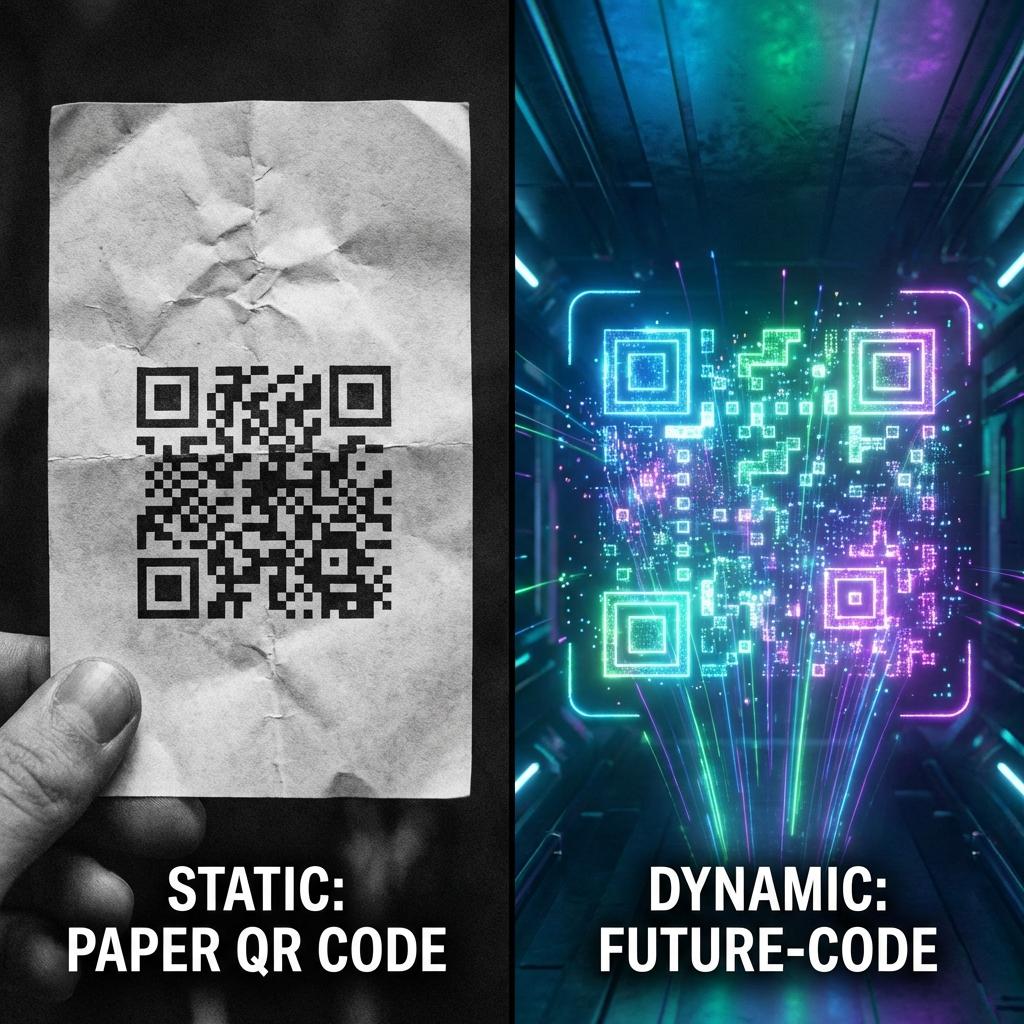
Static QR encodes the destination directly and can't be changed. Dynamic QR uses a redirect so you can edit links after printing and get analytics. If content may change or you need ROI tracking, choose dynamic.
Step-by-Step Guide
- Use static QR for permanent content that never changes (e.g., WiFi password, fixed URL).
- Use dynamic QR for campaigns, menus, promotions, and anything that might change.
- If you need analytics (scans, devices, locations), choose dynamic.
- For print, export SVG and follow size/contrast best practices.
- Test-scan before mass printing and monitor performance.
Frequently Asked Questions
Can I change a static QR code after printing?▼
No. Static QR codes cannot be edited after creation.
Do dynamic QR codes expire?▼
They can if the service is disabled. Keep the plan/account active for long-term campaigns.
Why do dynamic QR codes enable tracking?▼
Because scans go through a redirect that logs scan events before sending users to the final destination.
Sources & References
- QR Code Tiger: Dynamic vs Static QR Code Comparison(accessed January 2026)
- Bitly: QR Code Best Practices & Tracking Guide(accessed January 2026)
- Mordor Intelligence: QR Code Market Adoption Analysis(accessed January 2026)
Related Guides
QR Code Tracking: Complete Guide 2026
Learn how to track QR code scans with real-time analytics. Compare free vs paid tracking tools, setup Google Analytics, and measure ROI.
Trackable QR Codes: What You Can Measure
Trackable QR codes use a dynamic redirect to measure scans by time, device, location context, and placement. Learn what tracking can and cannot show.
Free vs Paid QR Code Generator: What's the Difference?
Free vs paid QR code generator: compare static vs dynamic, tracking, branding, reliability, and cost. Learn when free is enough and when paid wins.
Best QR Code Generator 2026: Compared + Free Checklist
We compared the top QR code generators in 2026 on dynamic QR, tracking, design, and price. Free checklist to pick the right tool for your exact use case.