
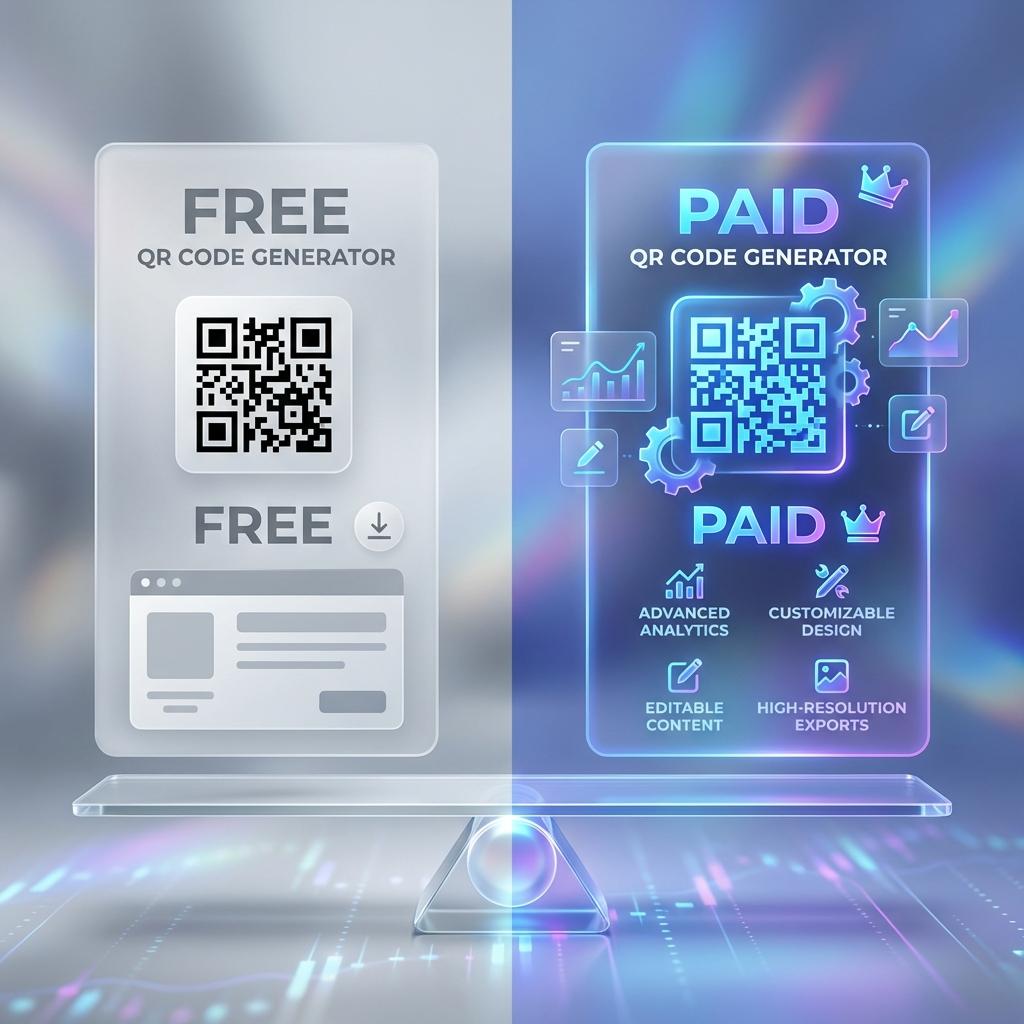
Free vs Paid QR Code Generator: When to Upgrade and Why
Choosing between a free vs paid QR code generator depends on what happens after you print or publish the code. According to Bitly's business adoption research, 87% of businesses using QR codes in campaigns require dynamic capabilities and tracking. If your QR code is permanent and you don't care about tracking, free tools can be enough. But if you run campaigns, need analytics, or want the flexibility to change the destination later, paid tools usually win.
This guide breaks down the real differences so you can decide fast — and avoid the most expensive mistake in QR: printing a QR code you can't change.
The biggest difference: static vs dynamic
Most free generators create static QR codes:
- the destination is encoded into the QR itself
- you cannot update it later
- no built-in tracking
Paid tools typically focus on dynamic QR codes:
- QR points to a redirect you control
- you can update the destination anytime
- you can track scans (and sometimes more)
This "dynamic + trackable" approach is widely presented as the upgrade path for business use.
Internal link: Dynamic vs Static.
When a free QR generator is enough
Free is fine when:
- the URL will never change (e.g., homepage)
- you're printing small quantities
- you don't need scan analytics
- branding/customization isn't important
- you can tolerate reprinting if something changes
Examples:
- a personal website QR on a resume
- a one-time classroom worksheet link
- a basic Wi-Fi QR at home
When a paid generator becomes worth it
Paid is worth it when:
- you run marketing campaigns
- you print at scale (posters, packaging, menus)
- you need tracking + attribution
- you want to edit destinations without reprints
- you need team features (folders, access control)
- you want branded short links / custom domains
- you need API / bulk creation
Uniqode's guide highlights common upgrade reasons like dynamic codes and business features when comparing paid vs free.
Internal link: Trackable QR Codes.
Feature-by-feature comparison (what actually matters)
1) Editability
Free: usually no
Paid: yes (dynamic updates)
This matters when offers expire, pages move, or you run seasonal promotions.
2) Tracking & analytics
Free: rare
Paid: scan analytics, sometimes deeper reporting
If you care about ROI, tracking is non-negotiable.
3) Branding and design
Free: basic styling
Paid: brand colors, logo, templates, landing pages
Design can increase scan rate, but don't over-design. Reliability first.
4) Reliability & management
Free: might not guarantee uptime or long-term management
Paid: dashboards, organization, support, monitoring
For businesses, support matters when something breaks.
5) Limits and surprises
Some "free" tools have:
- limited code creation
- watermarking
- locked downloads (low-res)
- analytics behind paywalls
The hidden cost: reprinting
The real cost isn't the subscription — it's reprinting.
If you print 5,000 flyers with a static QR and then:
- the landing page changes
- the offer ends
- you want to add UTMs
You either keep a broken campaign or pay again to print. Dynamic QR codes avoid this by letting you update the destination after printing.
Recommended decision rule
Use this quick rule:
- If it's a permanent link and you don't need tracking → free is okay
- If it's for business, campaigns, or printed at scale → go paid
Then choose the paid plan based on:
- number of codes you manage
- whether you need tracking history
- whether you need API/bulk creation
- whether you need custom domains and team access
Internal link: Pricing.
Wrap-up
The free vs paid QR code generator decision is mostly about control. Free tools work for simple static use. Paid tools win for dynamic, trackable, business-grade campaigns — where one broken QR can cost more than a year of subscription.