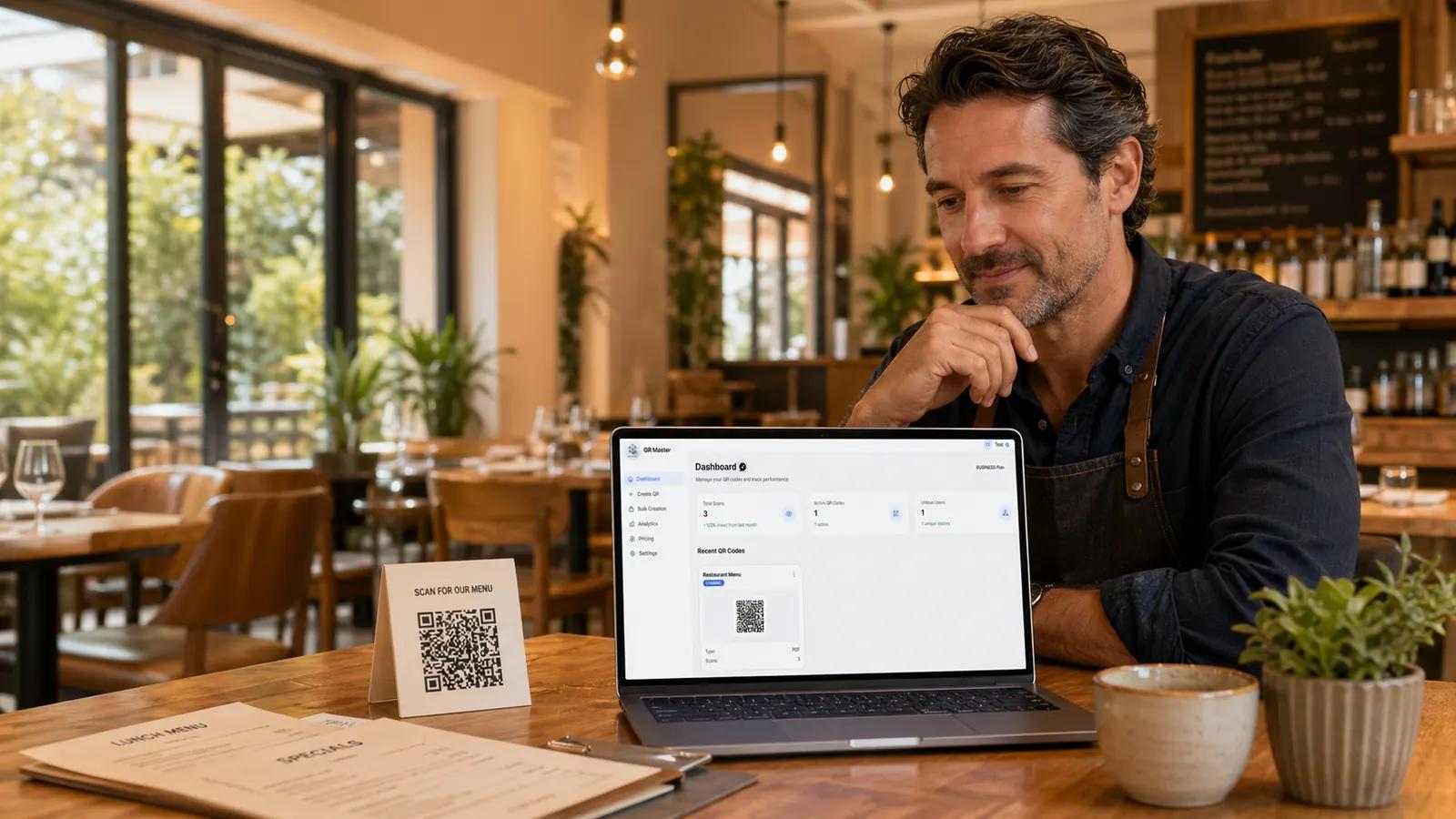
Keep one printed QR code on the table. Change prices, menu PDFs, and ordering links from QR Master when your restaurant changes.
Change menu PDFs after print
Use one QR code across tables and flyers
Track scans without exposing guest data
Direct answer
What is a restaurant menu QR code?
A restaurant menu QR code lets guests open your digital menu from a table, flyer, or window sign. A dynamic menu QR code is better for restaurants because the printed code stays the same while the menu PDF, menu page, or ordering link can change later.
Why dynamic matters
Menus change faster than printed materials.
Static QR codes are fine for links that never move. Restaurants need more room to adapt: prices change, dishes sell out, PDFs are replaced, and delivery links move.
Restaurant change
Static QR code
QR Master dynamic code
Menu price changes
Reprint table materials
Update the destination online
Seasonal dishes
Old QR code points to old menu
Same QR code points to the new menu
Scan analytics
No reliable usage data
See scans, device types, and timing
Campaign tracking
Hard to compare placements
Use tagged links for tables, flyers, and windows
Example reprint math
A few small menu changes can become a real print bill.
This is an illustrative restaurant scenario, not a guaranteed saving. The useful point is simple: every QR code destination change that stays digital removes one print-dependent fix.
Sample yearly avoidable reprint cost
Restaurant with table tents, flyers, and a few fixed signs.
Table tents
30 pieces x EUR 2.50 x 2 menu changes
EUR 150
Lunch flyers
500 pieces x EUR 0.20 x 1 outdated link
EUR 100
Window and counter signs
6 pieces x EUR 8.00 x 1 update
EUR 48
Example totalEUR 298/year
A dynamic restaurant QR code does not remove printing entirely. It prevents a menu PDF, price change, or ordering link change from forcing another print run.
Restaurant scenarios
The same QR code workflow scales from cafe to multi-location group.
These examples show where dynamic menu QR codes usually create the most practical value: menu updates, placement tracking, and less coordination around printed materials.
Small cafe
12 tables, seasonal drinks, one counter sign, and a simple PDF menu.
Print risk
A coffee price update or new brunch menu can make table cards outdated before the next print run.
QR Master fit
Use one dynamic menu QR code for table cards and update the PDF when prices or specials change.
Independent restaurant
30 tables, lunch flyers, takeaway inserts, and a menu that changes several times per year.
Print risk
Printed flyers and table tents can send guests to old menu files, old prices, or inactive ordering links.
QR Master fit
Keep separate dynamic QR codes for tables, flyers, and takeaway materials so scan analytics show which placement works.
Multi-location group
Several locations, local menus, shared brand materials, and recurring print coordination.
Print risk
One changed PDF or location-specific menu can trigger edits across many printed assets.
QR Master fit
Manage destinations centrally while each location keeps its printed QR materials stable.
Workflow
Print once. Update whenever the menu changes.
The QR code on the table should not be the fragile part of your restaurant workflow. Keep print stable and move the flexible work into the dashboard.
01
Create one dynamic code
Start with a menu QR code that points through QR Master, not directly to a file you cannot change later.
02
Connect your menu
Use a PDF, website menu, ordering page, or any link your guests should open from the table.
03
Update when prices change
Switch the destination from your dashboard while the printed QR code stays where it is.
For restaurant operators
Built for the places where QR codes actually live.
A restaurant QR code is not only a link. It is part of the table, the menu, the receipt, and the guest experience.
Table tents and counter displays
Printed menus with a digital backup
Window signs for after-hours browsing
Flyers for lunch specials or events
Receipts with feedback and review links
Seasonal menu PDFs
Reprint control
Avoid replacing table materials just because the destination changed.
Editable destination
Swap PDFs, menu pages, ordering links, and campaign URLs.
Scan analytics
See whether guests scan, when they scan, and which devices they use.
Privacy aware
QR Master is built around privacy-conscious analytics for business use.
Related workflows
Go deeper before you print.
These QR Master guides connect the restaurant page to the practical jobs behind it: editable codes, tracking, print sizing, and reprint planning.
Dynamic QR codes turn a print problem into a dashboard update.
For restaurants, the QR code is usually printed before the menu stops changing. The strongest workflow keeps the physical code stable and moves updates, tracking, and testing into QR Master.
Editable destinations reduce print dependency
A dynamic QR code separates the printed code from the menu destination. That is why a PDF, menu page, or ordering link can change without replacing the physical table card.
Restaurants can use different dynamic codes or tagged URLs for tables, flyers, receipts, and window signs. That makes scan data useful for decisions instead of blending every scan into one number.
The code still has to scan reliably from the table. Correct print size, quiet space, contrast, and test scans matter before sending table tents or menus to print.
Short answers for the decisions restaurant owners usually need to make before printing QR materials.
Last updated April 30, 2026
What is a dynamic QR code for restaurant menus?
A dynamic QR code lets a restaurant keep the same printed QR code while changing the destination behind it. You can update a menu PDF, menu page, or ordering link without replacing table tents, flyers, or window signs.
Can I change menu prices after the QR code is printed?
Yes. With QR Master, the printed QR code points to a managed redirect. When prices, dishes, or PDFs change, you update the destination in the dashboard and keep the same printed code.
Is QR Master useful for small restaurants?
Yes. Small restaurants can start with a free account, create a dynamic menu QR code, and use scan analytics to see whether guests actually use the menu link.
Do I need to reprint my menu QR code every time the PDF changes?
No. If the code is dynamic, the printed QR code can stay on the table while the destination changes online.
Should a restaurant menu QR code be static or dynamic?
A static QR code is acceptable only when the destination will never change. Restaurants usually need a dynamic QR code because menus, prices, PDFs, opening hours, and ordering links change after print.
Can I use a QR code for a menu PDF?
Yes. You can point a dynamic QR code to a menu PDF and replace that PDF later. The QR code on the table can stay the same while the file or destination is updated in QR Master.
Can I track scans from table tents, flyers, and window signs separately?
Yes. Use separate dynamic QR codes or tagged destination URLs for each placement. That lets you compare tables, flyers, receipts, window signs, and campaign materials instead of treating every scan as the same source.
Does a restaurant menu QR code need a landing page?
If the QR code is for guests at the table, it can open the menu directly. If the QR code is used in ads or flyers, a focused landing page often works better because it can explain the offer before asking visitors to sign up or order.
Can I add UTM parameters to restaurant QR codes?
Yes. UTM parameters are useful when you want to measure traffic from different printed placements or Meta ad campaigns. QR Master can point dynamic codes to tagged URLs so analytics tools can separate sources and campaigns.
Is scan analytics privacy-friendly for restaurant guests?
QR Master is designed for privacy-conscious scan analytics. Restaurant teams can see practical scan context such as timing and device patterns without turning a menu QR code into intrusive guest tracking.
What should a restaurant put on a QR code table tent?
Use short, direct wording such as Scan for our menu, View today's menu, or Order from your table. Keep the QR code large enough to scan, leave quiet space around it, and test it from normal table distance before printing.
How much can a dynamic menu QR code save on reprints?
It depends on your print volume and how often the menu changes. As a simple example, 30 table tents at EUR 2.50 each reprinted twice per year equals EUR 150 before flyers, window signs, design time, or staff coordination are included.
Ready for the next menu change
Keep the QR code. Change the menu.
Create a free QR Master account and test the restaurant menu workflow before your next print run.