Industry Solutions

Trade Shows & Exhibitions QR Codes

Replace business card shuffles and PDF email chains with instant lead capture and digital catalogue access from your exhibition stand

Active Scan!
Just now
+148 Views
This week
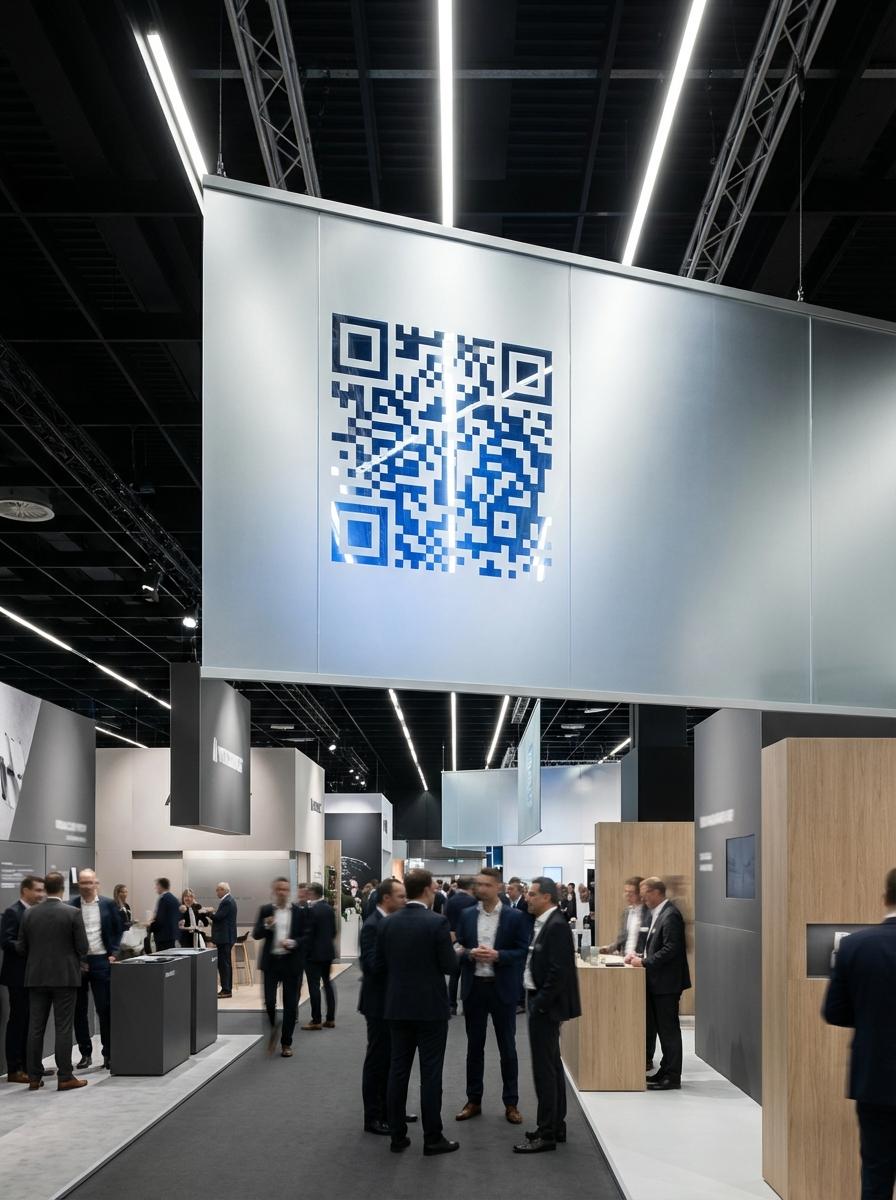
Trade Shows & Exhibitions QR code example showing a real-world workflow for lead capture form linked from stand banner and panel.

Why Leading Trade Shows & Exhibitions Businesses Use QR Master

1

Instant Lead Capture

A QR on your stand banner links to a contact form with a compelling offer - visitors submit their details in 30 seconds without exchanging business cards.

2

Digital Product Catalogue

Replace printed brochures with a QR linking to a digital catalogue with full specs, pricing, and download options. Update it between shows without reprinting.

3

Giveaway Engagement

Print a QR on branded merchandise giveaways (pens, bags, notepads) so every item taken from the stand is a lead capture touchpoint throughout the event.

4

Post-Show Follow-Up Automation

Link your lead capture QR to a CRM or email automation tool. Every form submission triggers an immediate follow-up sequence — so warm leads stay warm after the show floor closes.

Workflow 1

Lead capture form linked from stand banner and panel

Workflow 2

Digital product catalogue with pricing and specs

Workflow 3

QR on giveaway merchandise for post-show lead follow-up

Quick Summary

QR Codes for Trade Shows: Every Visitor Is a Qualified Lead

Quick Summary

QR Codes for Trade Shows: Every Visitor Is a Qualified Lead

When to use this?

  • Lead capture form linked from stand banner and panel
  • Digital product catalogue with pricing and specs
  • QR on giveaway merchandise for post-show lead follow-up

Comparison

Update destination after printing
Static Pages
Dynamic QR codes
QR Master Pages
Supported
Track scans by date, device & location
Static Pages
Built-in analytics
QR Master Pages
Supported
No app needed to scan
Static Pages
Works with native camera
QR Master Pages
Supported

How it works

  1. 01Stand back panel at eye level with lead capture QR
  2. 02Table display card with product catalogue and demo video QR
  3. 03Branded giveaway items (pens, bags) with lead form QR

Trade Shows & Exhibitions QR Code Checklist

Stand back panel at eye level with lead capture QR
Table display card with product catalogue and demo video QR
Branded giveaway items (pens, bags) with lead form QR

FAQ

How do trade show exhibitors use QR codes for lead capture?
A QR on stand panels and giveaways links to a contact form. Visitors submit their details for a free resource - giving exhibitors qualified leads with explicit opt-in.
Should trade show QR codes link to a brochure or a form?
Lead capture form first. The brochure can be on the same page below the form - so visitors get value while you get their contact details.
Where are the best QR placements on a trade show stand?
Stand back panel, table display, and every giveaway item are the three placements with the widest reach at any exhibition.
How do I use QR codes to replace business cards at a trade show?
Create a vCard QR code for each team member at your stand. Visitors scan it to save the full contact — name, role, phone, and email — directly to their phone. No paper, no loss, no manual entry after the event.
Can QR codes help exhibitors qualify leads at a trade show?
Yes. Add a short qualifying question to your lead capture form (e.g. company size, buying timeline). Visitors self-select, so your sales team receives pre-qualified leads instead of a raw list of email addresses.
How can I track which part of my trade show stand generates the most scans?
Create separate dynamic QR codes for each placement — stand banner, table card, and giveaway items — each with a unique UTM parameter. After the show, compare scan counts in your QR dashboard to see which location drove the most engagement.

Ready to modernize your operations?

Elevate your trade shows & exhibitions experience: seamless operations and enhanced engagement.