QR Codes for Barbershops
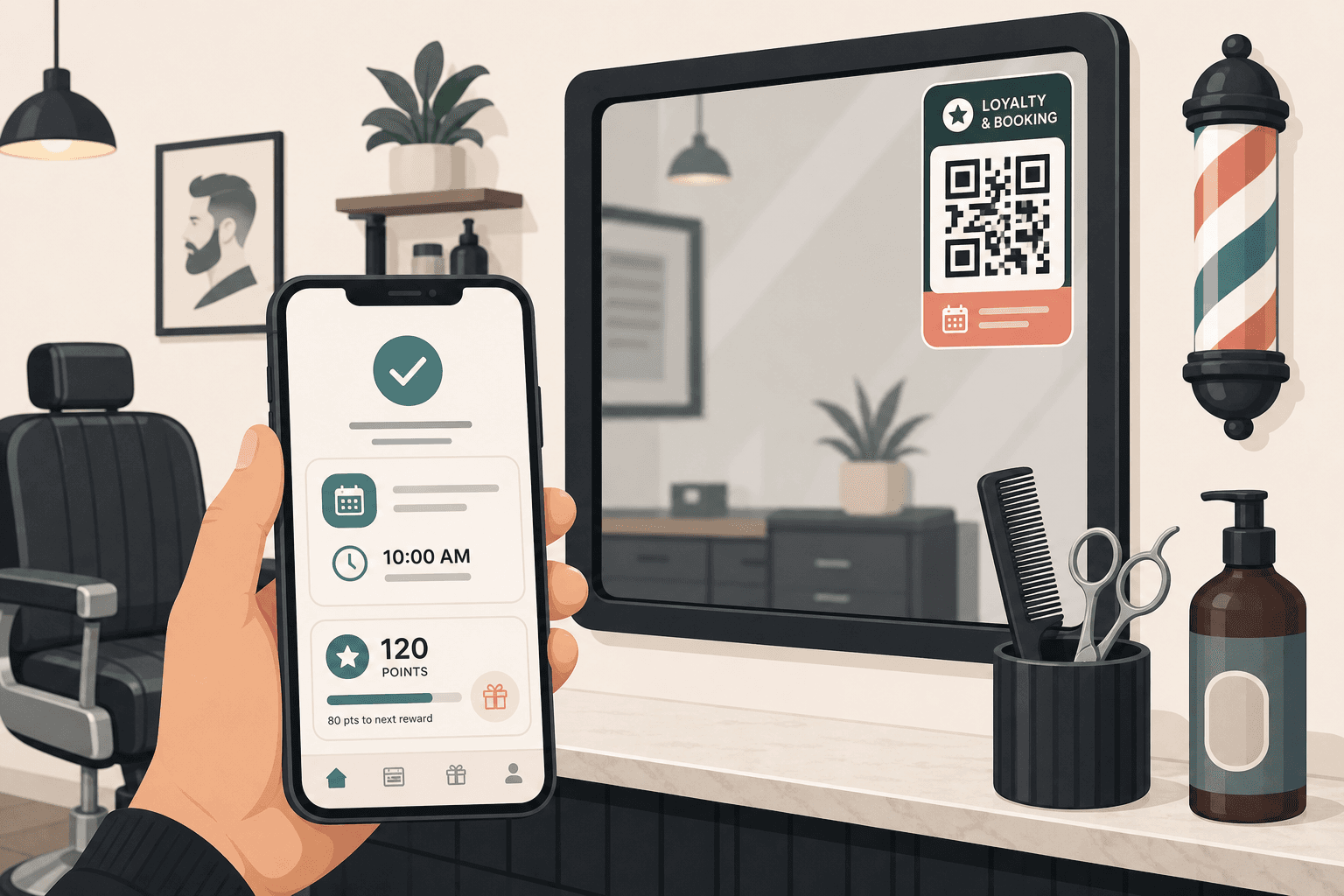
Barbershop QR codes work best when the code on chairs, mirrors, and counters stays fixed while the booking or loyalty destination changes.
Keep printed tables & flyers clean and permanent
Update links instantly without reprinting codes
Built-in campaign tracking and flow analysis
Designed to load fast on mobile data connections
Quick Summary
A barbershop QR code should point clients to a current booking, waitlist, or loyalty flow they can update without replacing printed promo cards.
When to use this?
- Your booking page, waitlist, or loyalty offer changes more often than your printed cards.
- You want one QR to work across chairs, counters, reception, and follow-up cards.
- You need a cleaner handoff than asking clients to type a URL on a small card.
Comparison
How it works
- 01Choose the client action after the scan: book, waitlist, save loyalty, or view services.
- 02Generate a QR code that sends clients to that destination or booking-ready landing page.
- 03Keep the print the same and update the linked destination when offers evolve.
What a good barbershop QR setup should handle
Barbershop prints move fast. The workflow behind the QR should keep print stable while client routing stays current.
Current booking flow
Send scanners to a current booking or waitlist page so the next step is confirming service time, not calling back.
Offer updates
Update the destination when offers, prices, or staff change while old cards are still in circulation.
Loyalty follow-up
Point repeat clients to loyalty offers instead of a generic homepage.
Barbershop QR checklist
- Pick one client action after the scan to keep the QR purpose clear.
- Make the booking page mobile-first because most scans happen at the chair or counter.
- Use CTA copy such as 'Scan to book' or 'Scan for today's offers'.
- Test the print placement and size before ordering a large run.