QR Codes for Hotels
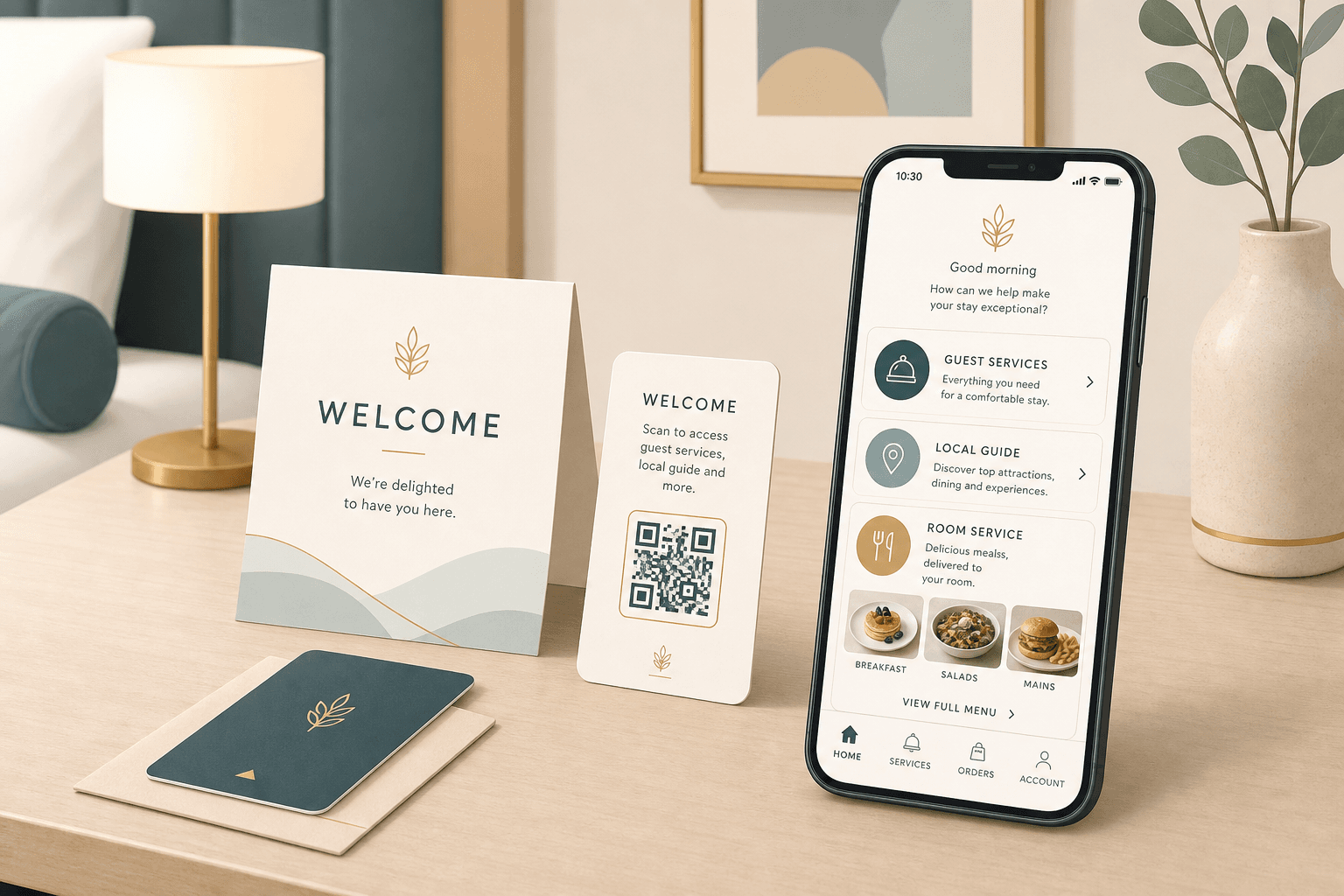
Hotel welcome QR codes work best when guest-facing cards stay in place while the destination can update behind them.
Keep printed tables & flyers clean and permanent
Update links instantly without reprinting codes
Built-in campaign tracking and flow analysis
Designed to load fast on mobile data connections
Quick Summary
A hotel welcome QR code should point guests to a current mobile-friendly journey for check-in, room service, or local services that can change over time.
When to use this?
- Your room-service menus, check-in flows, or local guest guides change seasonally.
- You want one stable printed card in the room or at reception.
- You need guests to reach an up-to-date mobile page without a new print run.
Comparison
How it works
- 01Create one welcome QR destination for the hotel or room rollout.
- 02Send scanners to the current guest menu, check-in flow, or local guide.
- 03Update the destination as offers, hours, or services change.
What a good hotel QR setup should handle
Guest requests change faster than room cards. The QR workflow should make print stable while stays current.
Stable room cards
Keep the same welcome QR in rooms and at reception while the linked guest experience changes.
Seasonal updates
Keep the same welcome QR in rooms and at reception while the linked guest experience changes.
Service routing
Point guests to room service, check-in, or local guides without replacing cards.
Hotel QR checklist
- Use a mobile-first guest page instead of a static PDF when possible.
- Keep the same printed QR on every surface you do not want to replace often.
- Use CTA copy like 'Scan for menu' or 'Scan for check-in' so the intent is obvious.
- Pair placements with trackable destinations when you test room signage, table tents, or reception cards.