QR Codes for Gyms
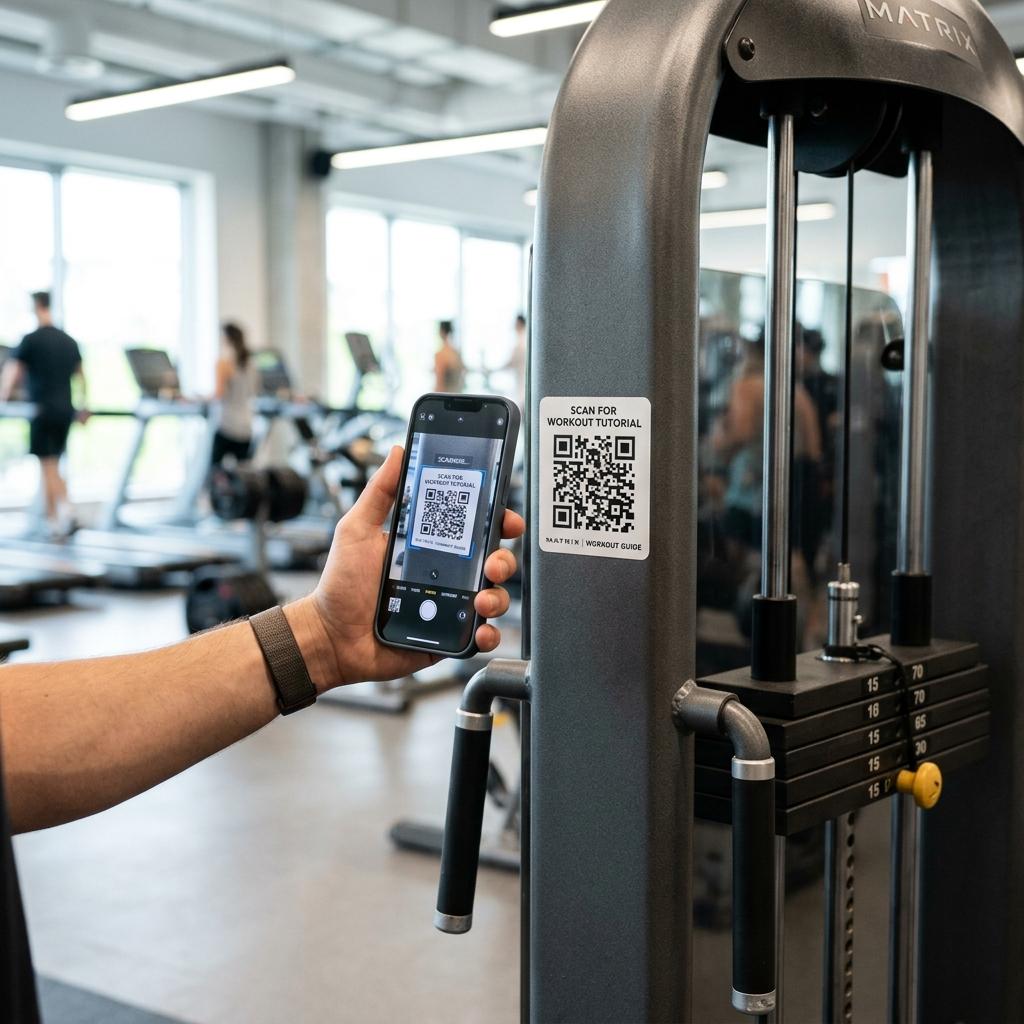
Gym QR codes work best when heavy-duty stickers on equipment stay permanent, while the tutorial videos or schedules they link to can be updated.
Keep printed tables & flyers clean and permanent
Update links instantly without reprinting codes
Built-in campaign tracking and flow analysis
Designed to load fast on mobile data connections
Quick Summary
A gym QR code should point members to an instructional video for the machine they are using, or direct prospects to a mobile signup flow.
When to use this?
- You want to provide video instructions on how to use complex machines.
- You have class schedules that change weekly or seasonally.
- You need a contactless way for walk-ins to sign up for a free trial.
Comparison
How it works
- 01Create one dynamic QR code for each piece of equipment or studio door.
- 02Print on durable, sweat-resistant vinyl stickers and apply to machines.
- 03Update the linked videos or schedules in your dashboard as needed.
What a good gym QR setup should handle
Stickers on gym equipment are hard to remove. The QR workflow should make your physical labels permanent while the digital content evolves.
Equipment tutorials
Link QR codes on weight machines to short YouTube or TikTok videos demonstrating proper form.
Class schedules
Place a QR code on the studio door that links to the live, up-to-date weekly class schedule.
Contactless signup
Put a QR code on the front door or window for after-hours visitors to claim a guest pass digitally.
Gym QR checklist
- Print QR codes on high-quality, sweat-resistant vinyl so they survive cleaning sprays.
- Keep the URL destination dynamic so you never have to scrape off old stickers.
- Add small text next to the code, e.g., 'Scan to see how to use'.
- Ensure your gym has decent WiFi coverage for members to stream the videos.