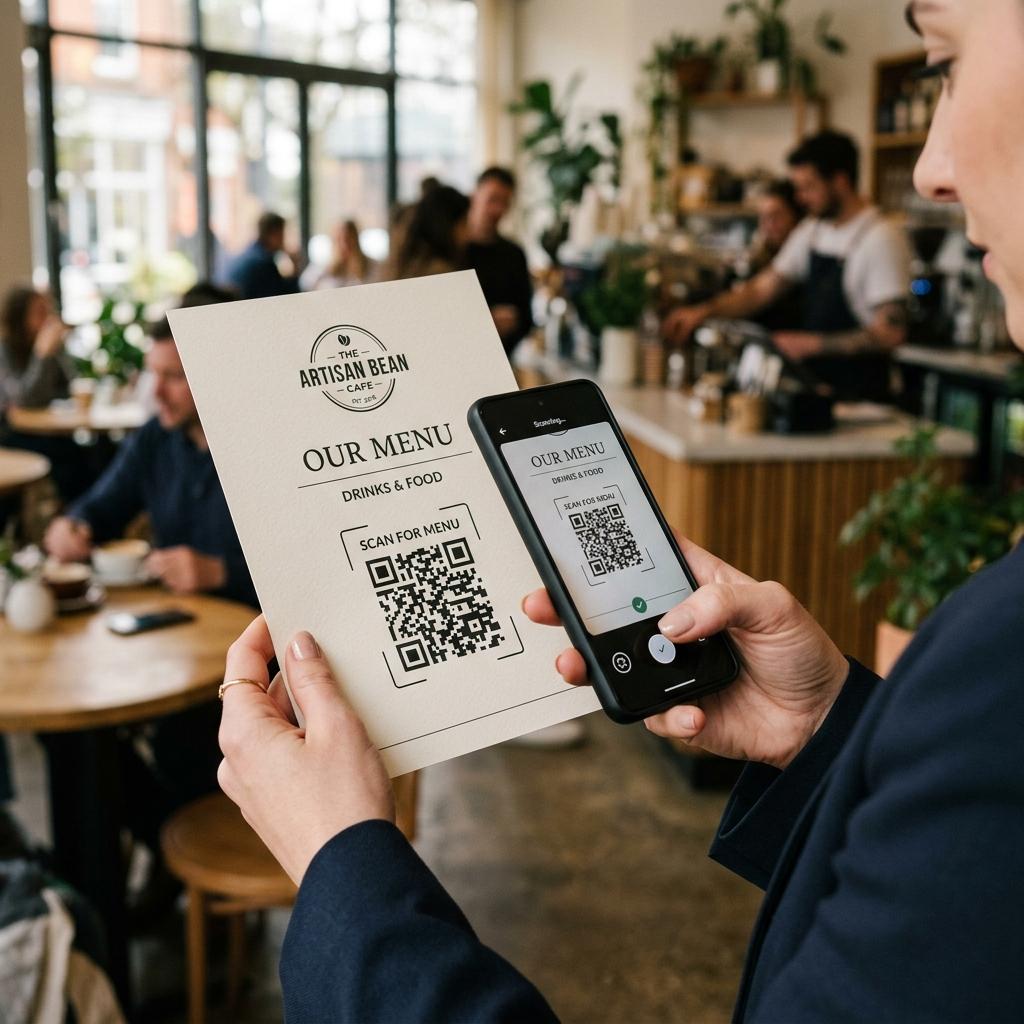
If you have just printed hundreds of flyers, business cards, or restaurant menus with a static QR code and realized there is a typo in the URL or the promotion has ended, you are likely looking for a way to "convert" that static code into a dynamic one so you don't have to reprint everything.
Unfortunately, you are not alone in this situation, but the technical reality is strict: it is impossible. In this comprehensive guide, we will explore exactly why this is the case, what your immediate options are, the underlying mathematics of QR codes, and how you can prevent this costly mistake in the future.
The History: Why Static QR Codes Were Created
When Denso Wave invented the QR code in 1994, the primary goal was high-speed scanning for the automotive manufacturing industry. They needed a way to track vehicle parts rapidly on an assembly line. These codes weren't designed for marketing campaigns, dynamic menus, or social media links where destinations frequently change. A static QR code simply translates a string of characters (like a URL or a serial number) directly into a visual pattern. This means the code acts exactly like a printed sentence—once the ink is on the paper, the letters cannot magically rearrange themselves.
The Technical Reason (According to International Standards)
To fully understand why conversion isn't possible, we have to look at the architecture defined by the ISO/IEC 18004 international standard:
- Static QR Codes: In a static QR code, the encoded data is built directly into the QR matrix together with error-correction information. Even a small change in the destination URL changes the encoded data and therefore requires a different QR pattern. Once that pattern has been printed, the information inside it cannot be edited.
- Dynamic QR Codes: These codes solve the problem by encoding a short, permanent redirect URL. When a user scans the code, they hit a server that instantly redirects them to the final destination. Because you control the server, you can change the final destination at any time without ever changing the physical pattern of the QR code.

Common Scenarios Where People Make This Mistake
Many businesses discover this issue only after their materials have already been printed. Here are the most common scenarios:
- The "Free Generator" Trap: Many users search for a "free QR code generator" and create a code without signing up. Because the generator doesn't have an account to link the code to, it must create a static code. Months later, when the user tries to update the link, they realize they are locked out.
- The Event Flyer: An event organizer prints 5,000 flyers with a link to a ticketing page. The ticketing platform suddenly changes the URL structure, breaking the printed QR code and leading to lost sales.
- The Restaurant Menu: A restaurant prints table tents linking to a PDF menu. When the season changes and prices are updated, the old PDF is deleted, and the static QR code now points to a dead link (a 404 error page).
Cost Analysis: The Real Price of a Static Mistake
Many businesses choose static QR codes initially because they appear to be "free and easy." However, let's look at the true cost of making a mistake:
If you print 1,000 business cards, the initial printing cost might be $50. If you change your LinkedIn URL or your calendar booking link, those cards are now useless. You lose the $50, you have to spend another $50 to reprint, and you have to wait a week for shipping. If you had used a dynamic QR code (which might cost a few dollars a month), fixing the link would have taken 10 seconds and $0 in reprint costs.
What Are Your Options Now?
If you have already printed the static code, you essentially have two options to salvage the situation:
- Reprinting: This is the most common and unfortunately the most expensive route. You will need to generate a new QR code (ideally a dynamic one this time) and reprint your materials.
- Domain Redirection (If you own the domain): A static QR code itself cannot be converted into a dynamic QR code. However, if the static code points to a URL on a domain you control, you may be able to change the destination by setting up a redirect on your website. The QR code remains static, but the page behind the encoded URL can forward visitors somewhere else.
The Solution: Start Using Dynamic QR Codes Today
While you cannot save your currently printed batch (unless you can use the domain redirect trick), you can ensure this costly mistake never happens again.
By switching to a dynamic QR code generator, you gain significant advantages that will save you time and money in the long run:
- Editability: Change the destination URL anytime, even after the code is printed on billboards, packaging, or menus.
- Scan Tracking & Analytics: See exactly how many people scan your code, what time of day they scan, approximate location, scan time, device type, and overall scan performance.
- Cleaner Design: Because dynamic codes only store a short URL, the physical matrix is less dense. This makes the code look cleaner and can make the code easier to scan, especially at smaller print sizes or from a distance.
- Error Correction: If you ever make a typo in your URL again, fixing it takes literally 10 seconds in your dashboard, with zero reprinting costs.
Don't risk another misprint. Start using dynamic QR codes for all your professional materials to future-proof your marketing efforts and protect your bottom line.