
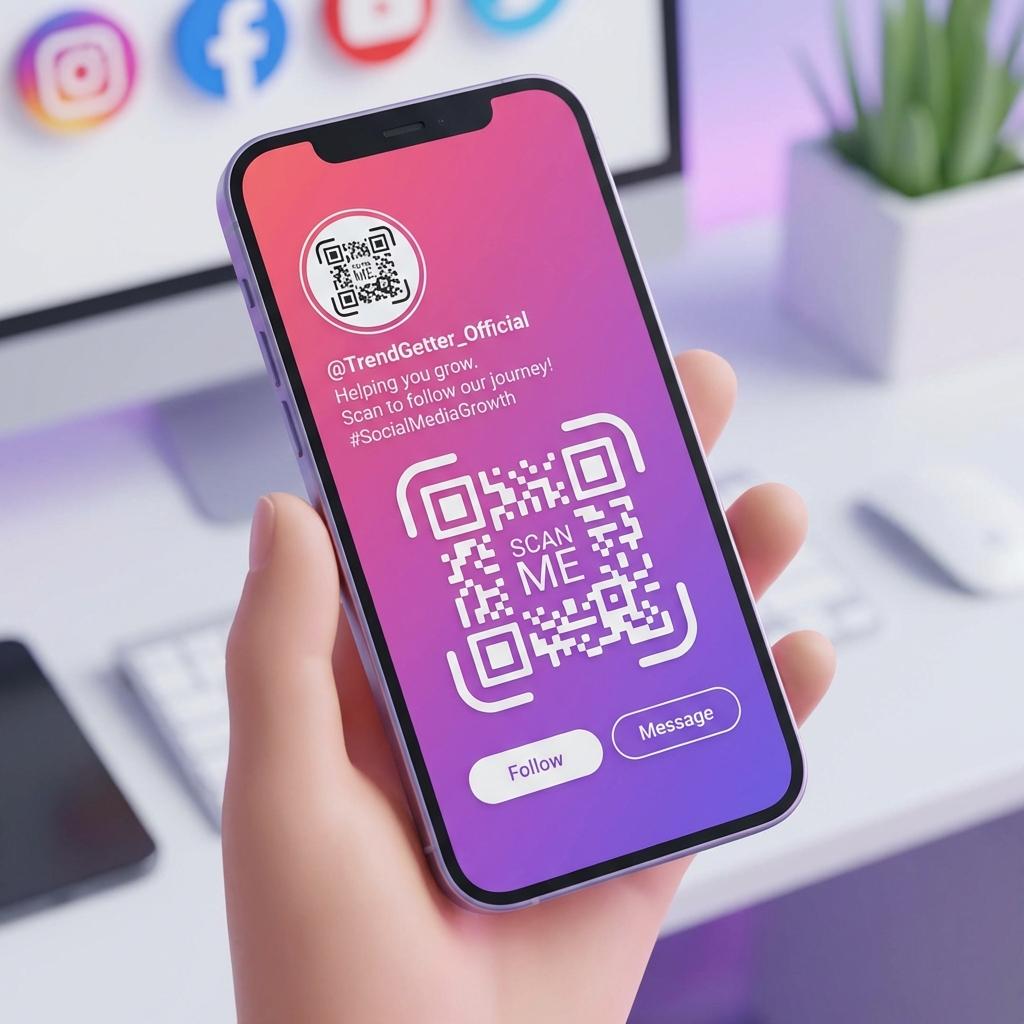
An Instagram QR code generator helps you turn offline attention into followers. People see your brand in real life—on packaging, posters, menus, business cards, or at events—and with one scan they land on your Instagram profile.
If you're doing local marketing, events, creator collabs, or retail, this is one of the simplest growth levers you can deploy. But to do it properly, you want two things: a clean, fast QR that opens your profile, and a way to measure performance.
What is an Instagram QR code?
An Instagram QR code is a QR that links directly to:
- Your Instagram profile
- A specific post or Reel
- A landing page that routes to Instagram (better for tracking)
When scanned, it opens Instagram (or the browser if needed) and takes the user straight to the destination.
Why Instagram QR codes work
Instagram growth is usually limited by friction: people don't remember usernames, typing is annoying, and searching often leads to the wrong account. A QR code removes all of that.
You're basically turning real-world moments into instant social actions: follow, DM, watch a Reel, or click your bio link.
Step-by-step: Create an Instagram QR code
Step 1: Copy your Instagram URL
Your profile URL looks like: https://www.instagram.com/yourusername/.
If you want to link a specific post: Open the post → Share → Copy link. Then, go to the Instagram QR Code Tool.
Step 2: Decide static vs dynamic
- Static: simple, permanent, no editing later.
- Dynamic: change destination later + tracking options. If you're printing anything at scale, dynamic is safer.
Step 3: Add tracking (recommended)
If your QR generator supports tracking, enable it. If you want analytics in GA4, use UTMs.
Example: https://www.instagram.com/user/?utm_source=flyer&utm_medium=print
Step 4: Generate and download
Generate the QR code and download it in a print-friendly format (PNG for basic use; SVG for professional print).
Best placements to grow followers
- Storefront & POS: "Scan & follow for weekly deals" at checkout.
- Packaging: High-intent traffic from customers who just bought.
- Events: "Scan to enter raffle" or "Follow for photos".
- Menus: Highlight daily specials or food photos.
How to measure Instagram QR performance
If you just link to your Instagram profile without tracking, you'll be guessing. Here are practical ways to measure:
- Method A: Different QR codes per placement. Create separate codes for storefront, flyer, and packaging, then compare scan numbers.
- Method B: UTMs + GA4. UTMs let you see which placement created traffic in your web analytics.
- Method C: Route through a landing page. A short landing page ("Follow us") captures analytics cleanly before redirecting.
Design rules for high scan rates
- Keep contrast high
- Add a short instruction ("Scan to follow")
- Pair with your handle in text
- Don't shrink it too much