
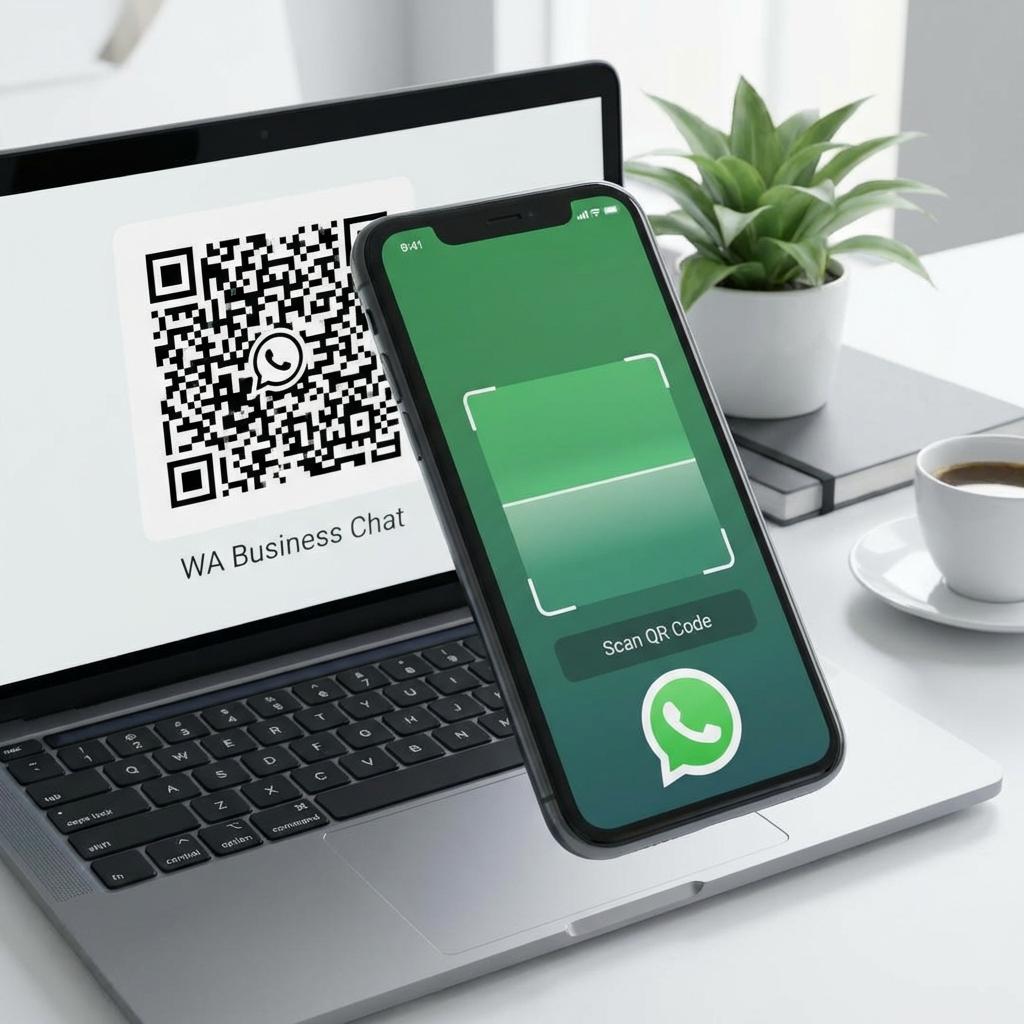
If your goal is "make it ridiculously easy for customers to contact me," then WhatsApp QR Code erstellen is one of the highest-intent moves you can make.
A WhatsApp QR code can open a direct chat instantly—no typing phone numbers, no searching contacts. Customers scan, WhatsApp opens, and your conversation starts. This is perfect for restaurants, salons, gyms, real estate, events, local services, and B2B sales.
What is a WhatsApp QR Code?
A WhatsApp QR code is a QR code that links to a WhatsApp action—usually:
- Open a chat with a specific number
- Open a chat with a prefilled message
- Route users through a landing page first (for tracking or segmentation)
The simplest and most widely used format is WhatsApp's click-to-chat link: https://wa.me/<number>.
Why WhatsApp QR codes convert so well
WhatsApp QR codes work because they reduce friction. According to Bitly's QR code research, WhatsApp integrations increase customer engagement by up to 40% because users can initiate contact instantly without searching for phone numbers. Key benefits include:
- One scan → instant chat
- No form fields
- No waiting for email replies
- Works perfectly on mobile (where most scans happen)
Step-by-step: WhatsApp QR Code erstellen
Step 1: Create your WhatsApp click-to-chat link
Use this structure: https://wa.me/<countrycode><number>
Example (Germany format):
Country code: 49
Number: 17612345678
Link: https://wa.me/4917612345678
Important: use the phone number in international format, without plus signs, spaces, or leading zeros.
Step 2: Add a prefilled message (optional)
Prefilled messages increase conversion because users don't have to think.
Format: https://wa.me/<number>?text=<encoded message>
Example: "Hi, I'd like to book..." becomes text=Hi%2C%20I%27d%20like%20to%20book...
Step 3: Generate the QR code
Paste the wa.me link into your QR generator. If possible, choose Dynamic QR so you can track scans.
Best placements for WhatsApp QR codes
- Storefront / Reception: "Scan to chat & book" at the entrance.
- Business Cards & Invoices: Direct support channel builds trust.
- Restaurant Menus: "Call the waiter" or "Book a table".
- Events: Lead capture ("Scan for brochure").
How to track WhatsApp QR code performance
If you simply link to wa.me, you lose analytics. Use a trackable QR code (dynamic) that redirects to your WhatsApp link. This gives you scan counts, location data, and device types.
Design Tips
- Make it big enough (test scan!)
- Use strong contrast
- Add a WhatsApp logo (helps recognition)
- Add a CTA: "Scan to chat"