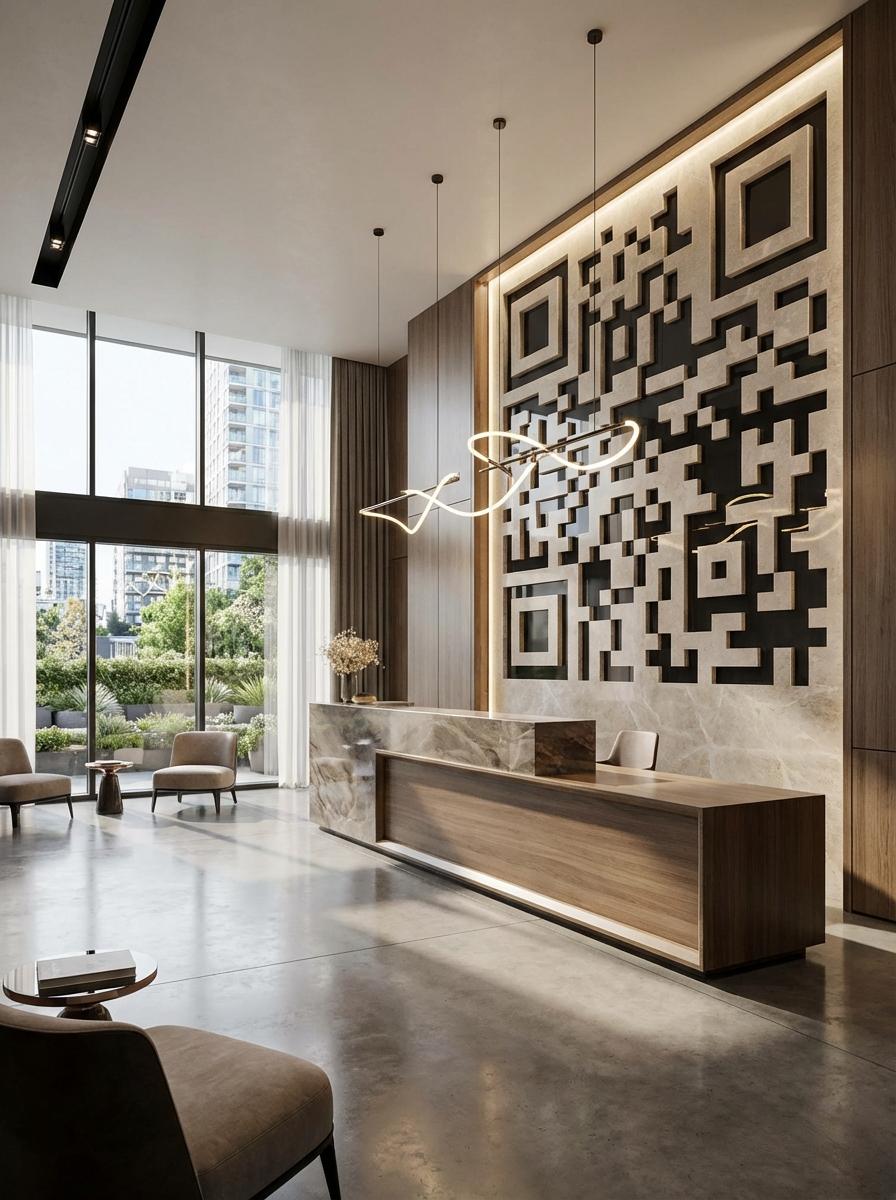
Why Leading Property Management Businesses Use QR Master
Frictionless Maintenance Requests
A QR in each apartment hallway and lift links to the maintenance request form. Tenants log issues from their phone immediately when they notice them - improving response time.
Building Rules and Emergency Contacts
A QR in the lift or lobby links to the full building information page - rules, emergency contacts, waste collection schedule, and parking policies.
Amenity Booking
For properties with gyms, rooftops, or meeting rooms, a QR at the amenity entrance links to the booking calendar - replacing manual sign-up sheets.
Workflow 1
Maintenance request form from hallway or lift QR
Workflow 2
Building rules, waste schedule, and emergency contacts
Workflow 3
Amenity booking for shared facilities
Quick Summary
QR Codes for Property Management: Maintenance Requests Without the Paper Trail
Quick Summary
QR Codes for Property Management: Maintenance Requests Without the Paper Trail
When to use this?
- Maintenance request form from hallway or lift QR
- Building rules, waste schedule, and emergency contacts
- Amenity booking for shared facilities
Comparison
How it works
- 1Lift notice board with maintenance request and building info QR
- 2Lobby display with amenity booking and building rules QR
- 3New tenant welcome pack with move-in guide and contact QR
Property Management QR Code Checklist
Recommended Tools
Create a scannable link to any webpage and update the destination any time.
Use a URL QR code to open a hosted PDF like a menu, brochure, or operating guide.
Open the dialer with your number pre-filled for instant contact.